

Create posts and comments
When a channel is connected to a feed with automatic sync, every new message in the channel syncs as a post, and every reply to a synced message syncs as a comment on that post. Posts and comments keep the date of the original Slack message and link back to it.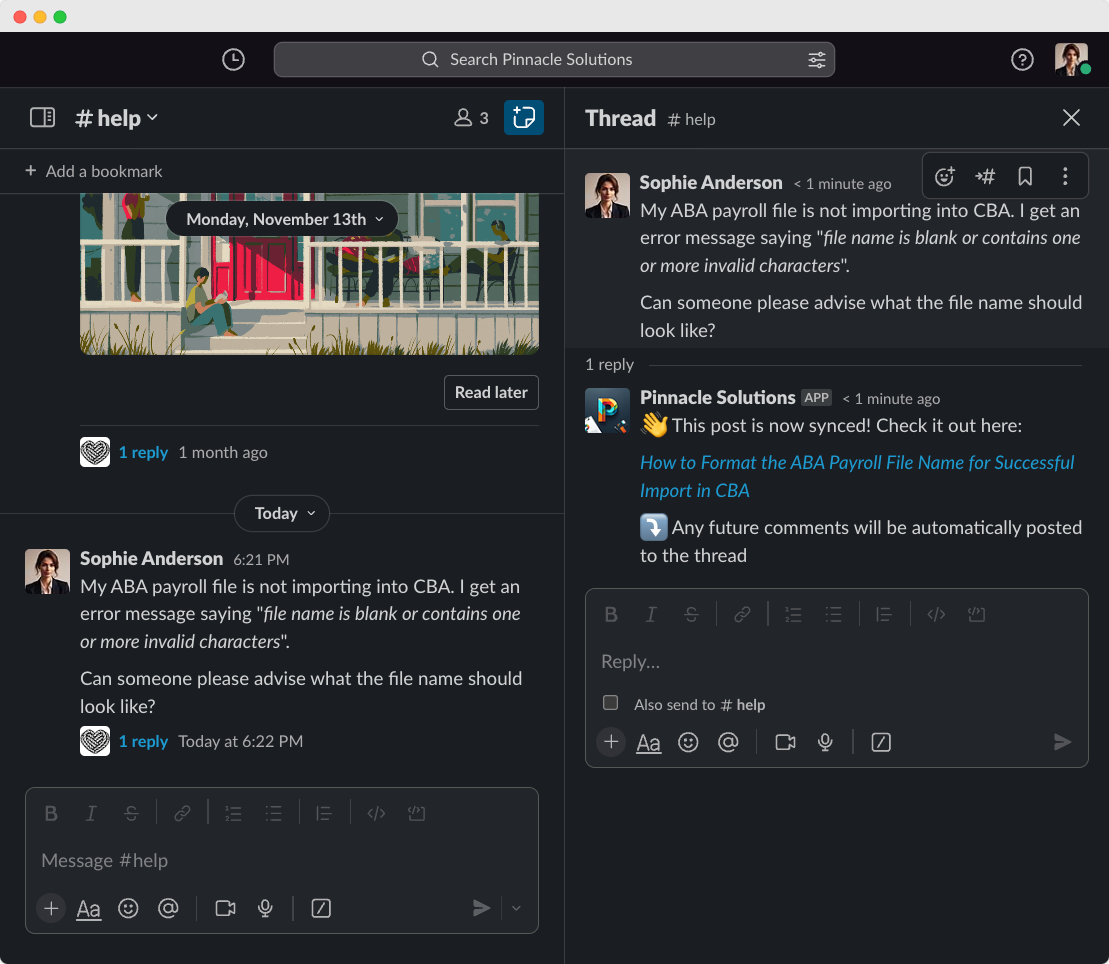
A new message in Slack
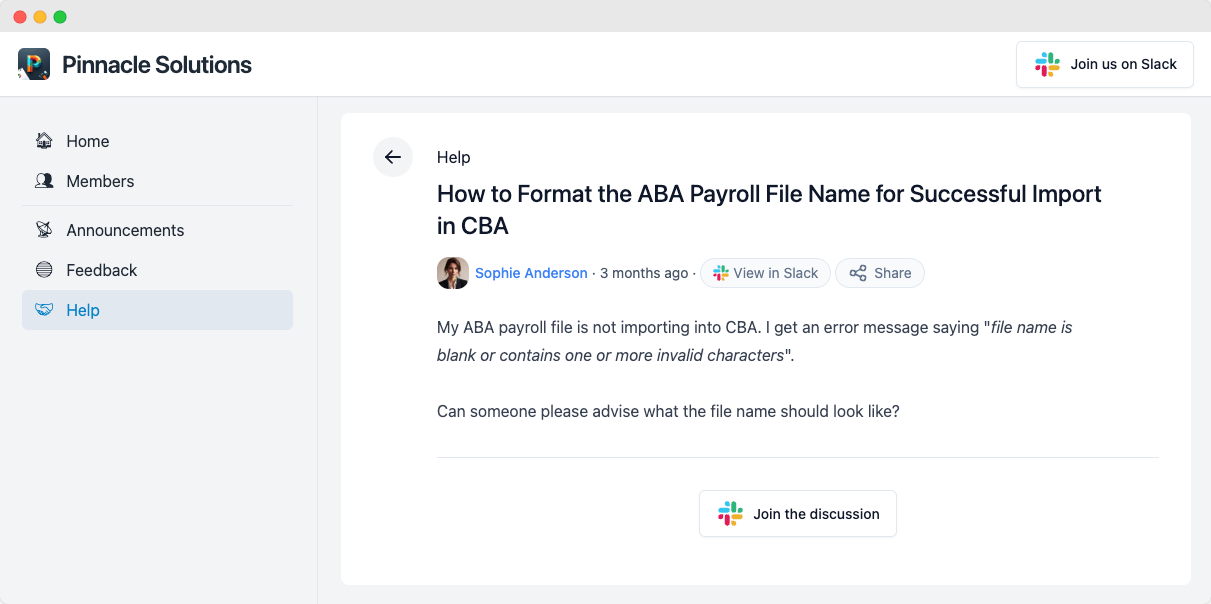
The synced post on the community site
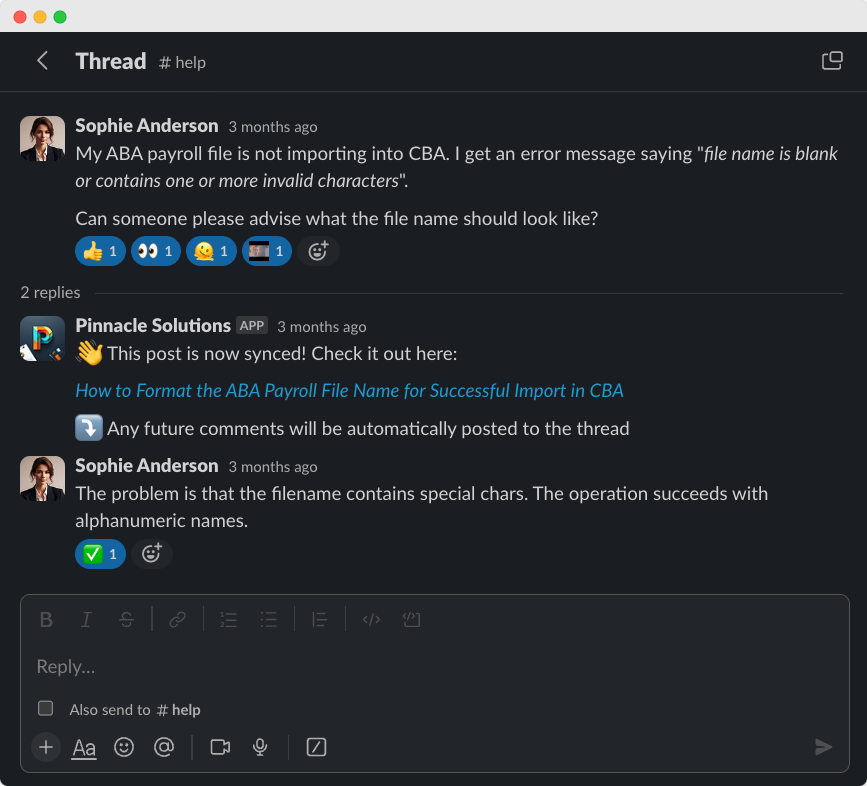
A reply in a Slack thread
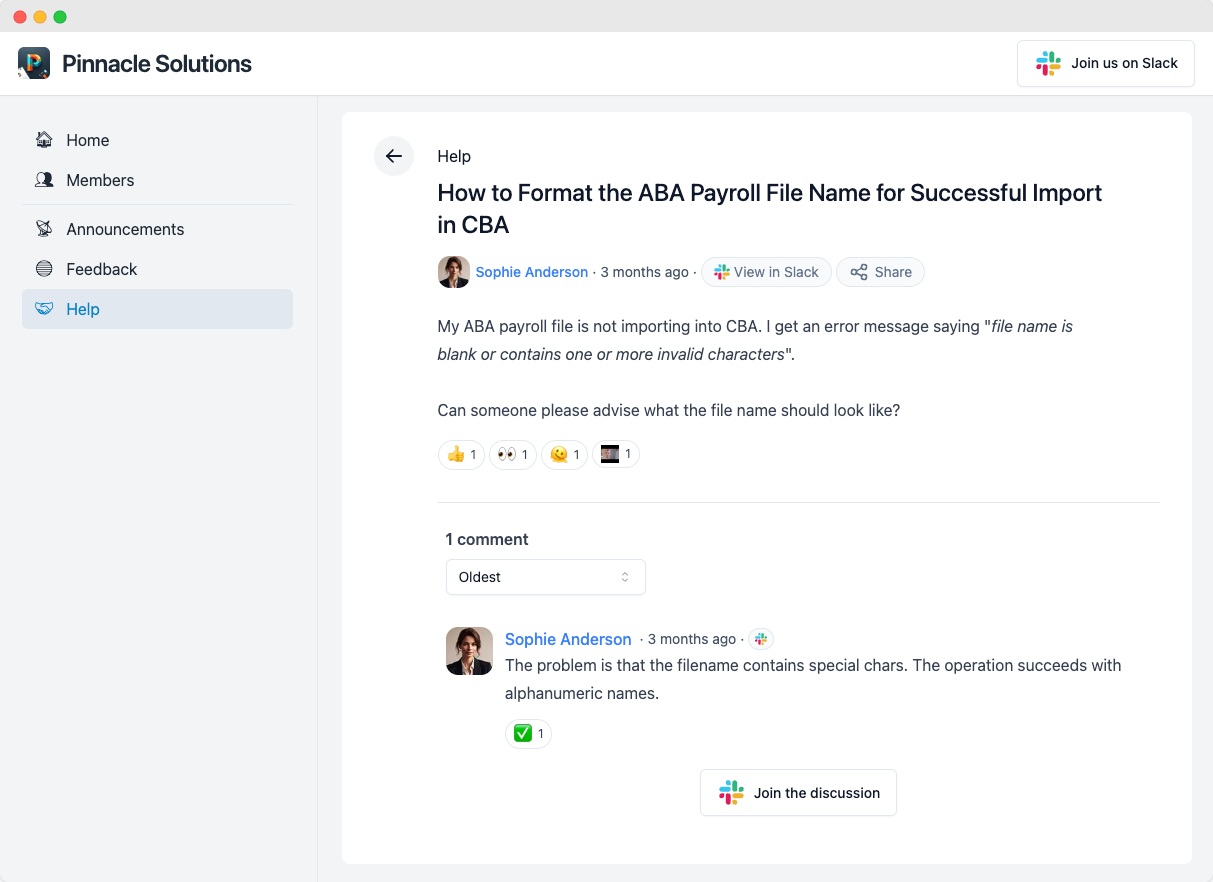
The synced comment on the community site
Reply in the thread when you respond to someone. Each top-level message becomes a separate post, so a response sent as a new message appears on the site without the context of the message it answers.
Sync a message manually
Messages sent before the channel’s feed was created, and messages removed from the site, don’t sync on their own. An admin can sync one with the Post to site message shortcut. The shortcut syncs the whole thread: the post, its comments, file attachments, and emoji reactions.Mentions
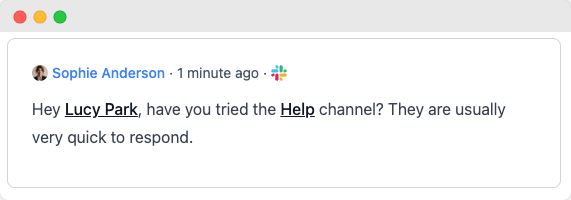
Tightknit converts most mentions in a message to the matching name and link on the community site:
When a member or channel is renamed in Slack, mentions of them on the site update to the new name.
| Slack message | Tightknit post |
|---|---|
 |  |
Messages from bots
Messages from bots sync by default. To stop a bot’s messages from syncing to a feed, add the bot to the feed’s Disallowed Bots list in its feed settings. To hide a bot’s profile on the community site, see Blocked bot profiles.Edit posts and comments
When you edit a Slack message, the post or comment on the community site updates to match.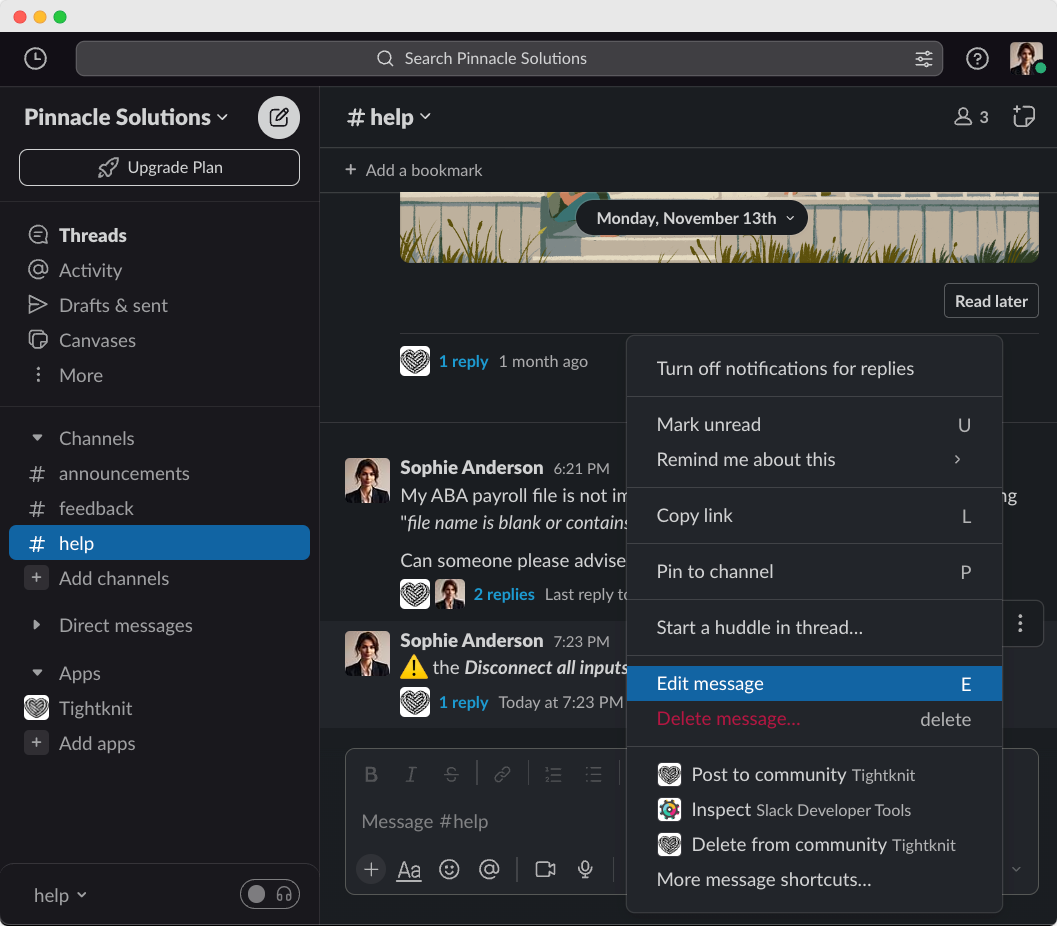
Editing a message in Slack
Delete posts and comments
Delete in Slack
When you delete a Slack message, Tightknit removes it from the community site:- A top-level message — The post and all its comments are removed.
- A reply — Only that comment is removed. The post and other comments stay.
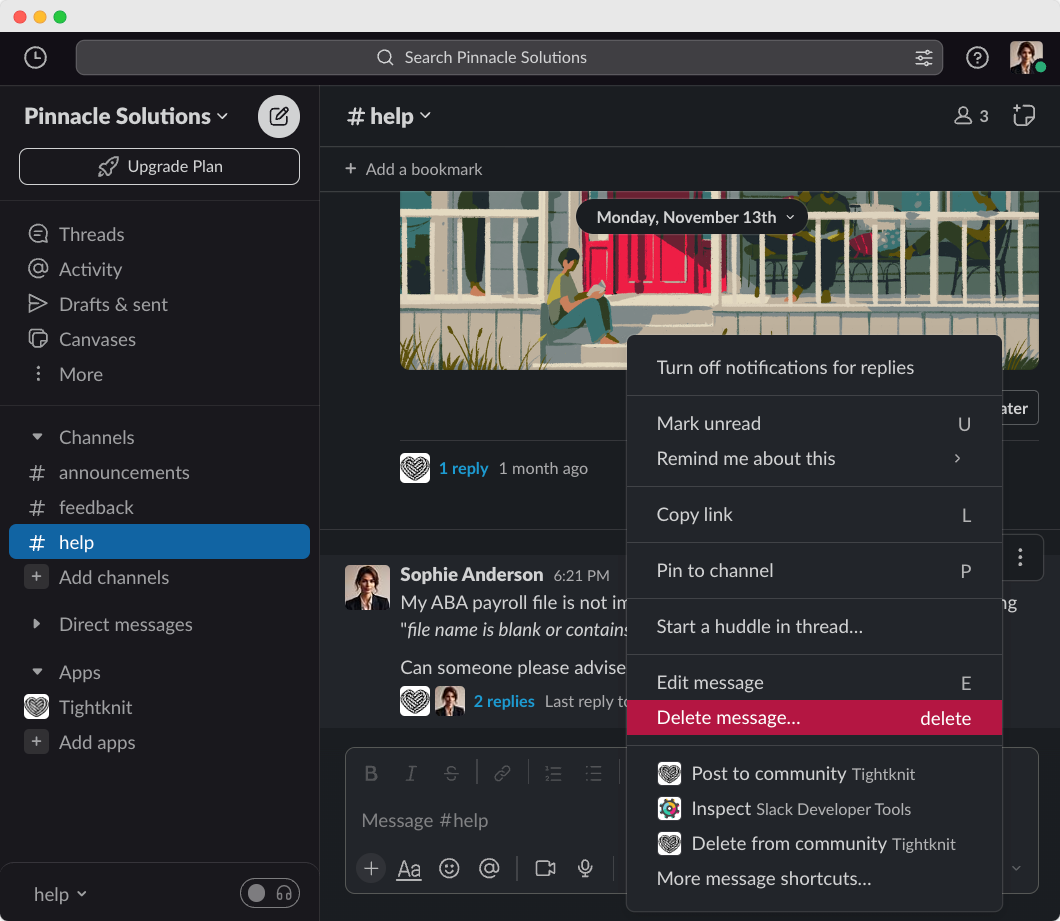
Deleting a message in Slack
- New Post Notification Agent replies
- Related Discussions Agent replies
- AI answers
- Best answer notices
Deleting the New Post Notification Agent reply also removes the post and its comments from the community site, while the Slack message stays.