

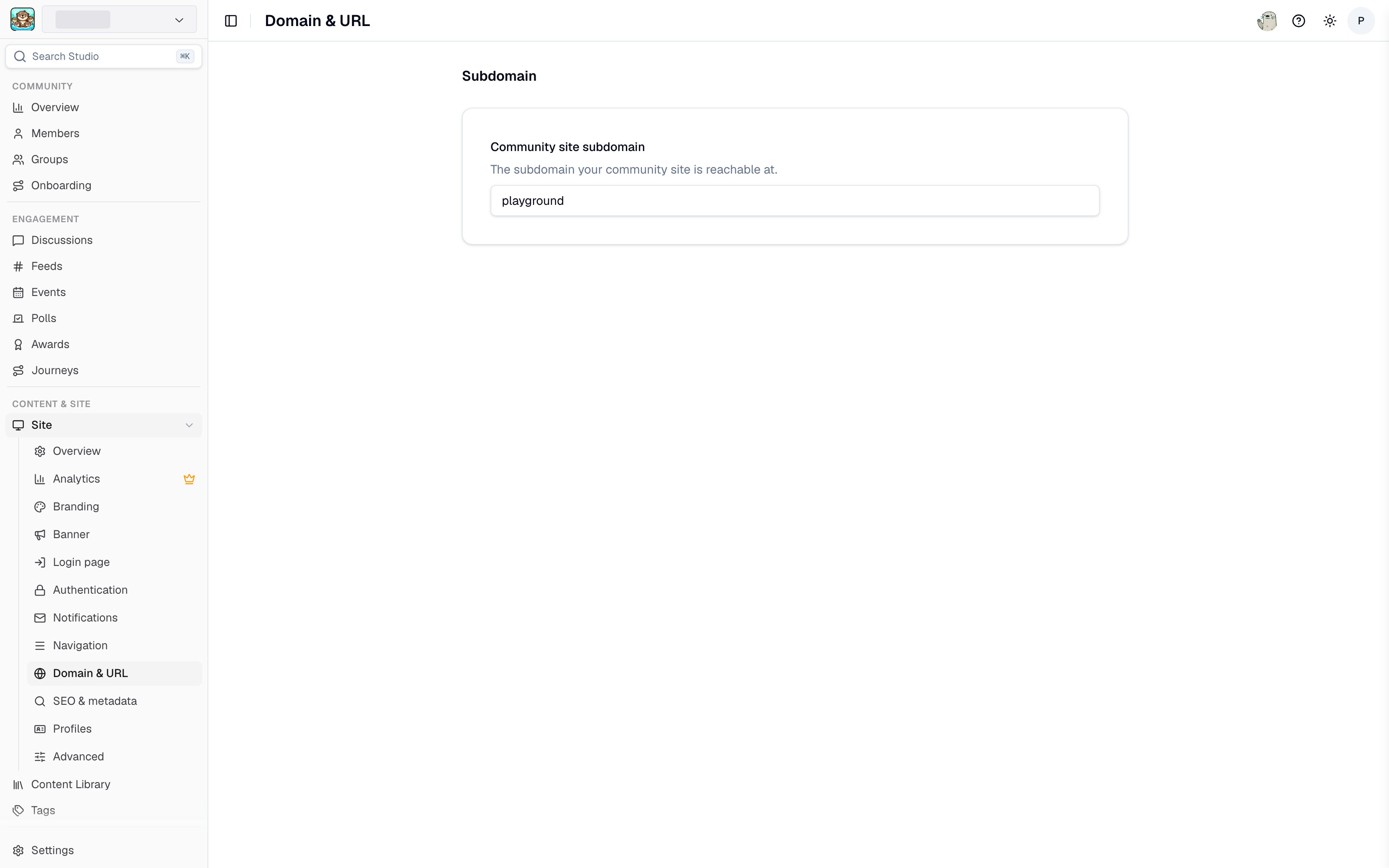
Domain and URL settings in Studio
Subdomain
Your community site subdomain determines your default URL:your-subdomain.tightknit.community. Edit it in Studio and it saves automatically.
A subdomain can be up to 63 characters long, may only contain lowercase letters, numbers, hyphens, and underscores, and must start and end with a letter or number. A subdomain that another community already uses, or a reserved word such as tightknit, is not allowed.
Custom domain
A custom domain hosts your community site on a domain you own, for examplecommunity.your-domain.com.
A custom domain is worth setting up for three reasons:
- Brand continuity. Members stay on your domain rather than being sent to a third-party URL.
- SEO. Search authority accrues to your own domain instead of
tightknit.community. - Site analytics. Traffic analytics are only available on custom domains.
Custom domains are configured by Tightknit. Contact support to set one up or to change an existing one. Once configured, your current custom domain is shown on the Domain & URL page.
Corporate networks and URL filtering
A new custom domain has no browsing history, so corporate web filters such as Palo Alto Networks URL Filtering classify it from whatever their crawler can see. A community site that redirects straight to a sign-in page shows the crawler nothing but a login wall, and the domain can be filed under a category that IT policies block outright. For example, if a custom domain is classified as “Web-based-Email”, members on a corporate network may be blocked from opening the site until their IT adds an exception. Before you invite members who work behind a corporate firewall, ask their IT team to allowlist:- Your custom domain, for example
community.your-domain.com. For a bare domain, include bothyour-domain.comand*.your-domain.com. api.tightknit.aicdn.tightknit.aiassets.tightknit.ai
Custom email domain
A custom email domain is a separate setting from your site domain. It controls the address that notification and sign-in emails are sent from. See Custom email domain and the DNS setup guide.Related pages
- SEO and metadata - search engine discoverability.
- Authentication - who can reach your site.
- Launch your site - the full launch checklist.