
Member Notifications
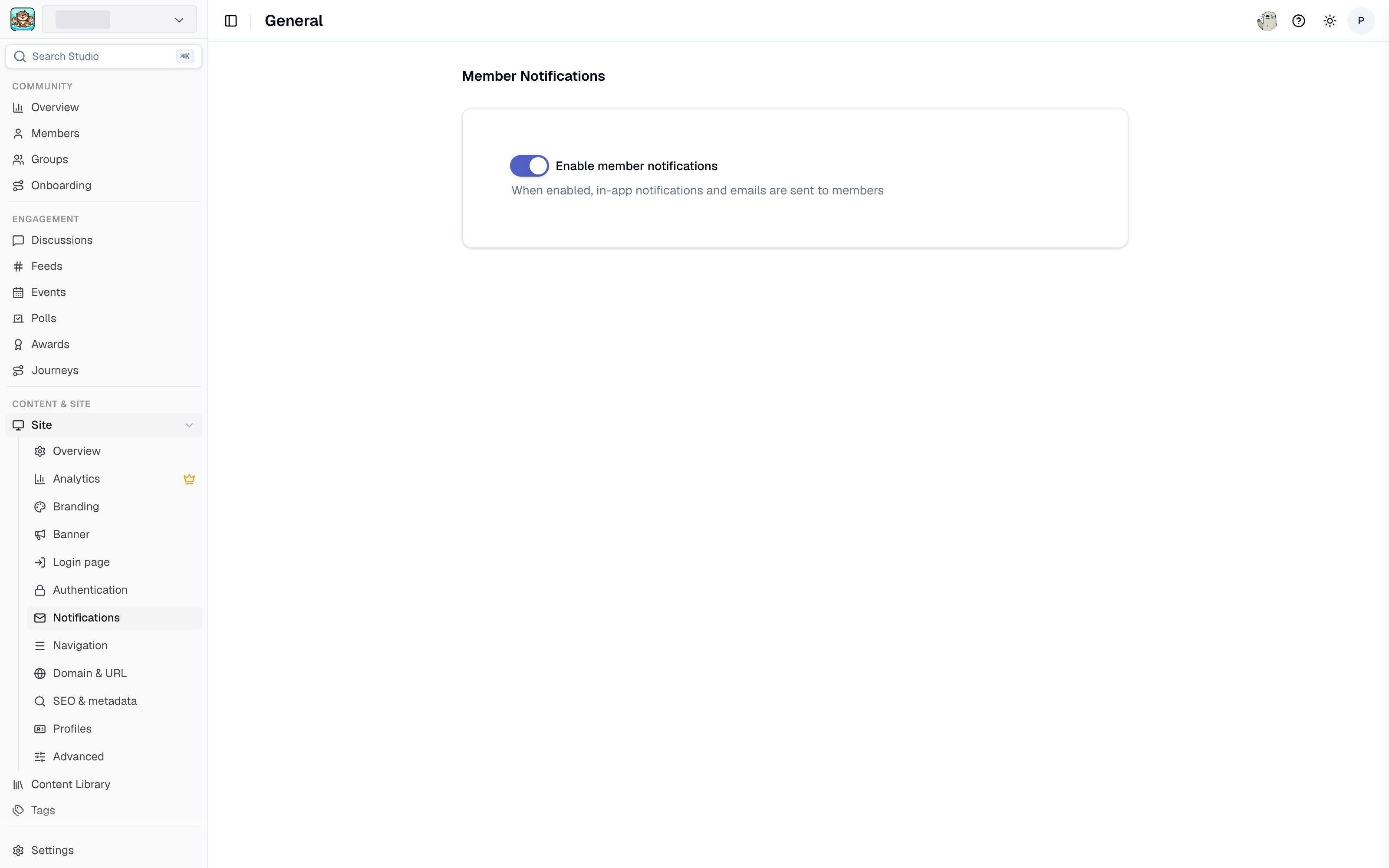
Notification settings in Studio
- Navigate to Site > Notifications > General in the Tightknit Admin Studio.
- Toggle Enable member notifications on or off. Changes save automatically.
Email Digests
When email digests are enabled for your community, Tightknit groups multiple notification events into a single digest email instead of sending each one individually. This reduces inbox clutter while keeping members informed of community activity. Digests work on a cooldown model: after a notification event occurs, Tightknit waits for a quiet period before sending the digest. If new events keep arriving, they are added to the same batch. A maximum wait cap ensures the digest is always delivered within a reasonable window, even during sustained activity.In-app notifications are always delivered instantly, regardless of whether email digests are enabled.
Custom Email Domain
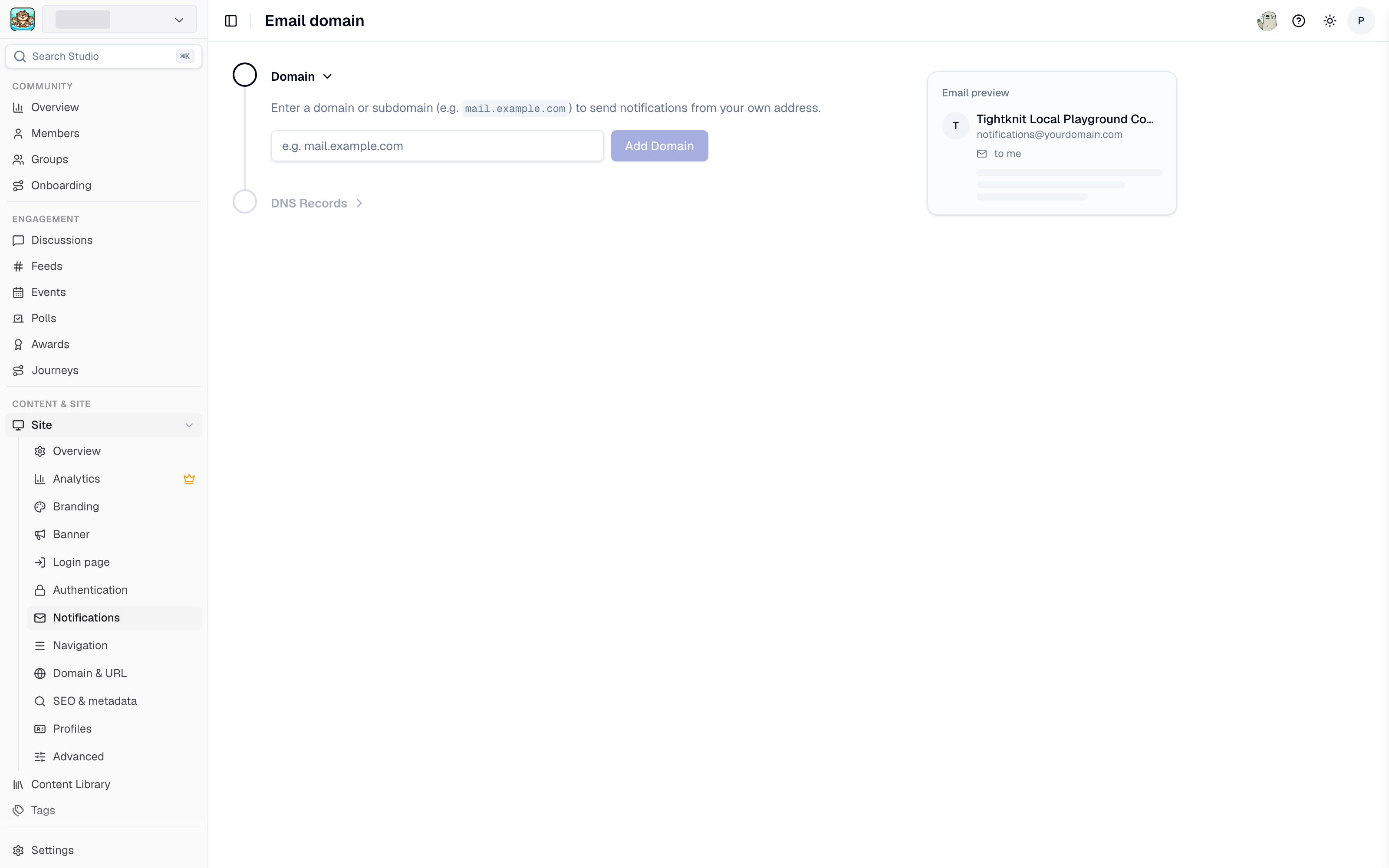
Custom email domain settings in Studio
- Navigate to Site > Notifications > Email Domain in the Tightknit Admin Studio
- Click Configure
- Enter your desired email domain (e.g.,
notify.yourdomain.com) - Add the required DNS records to your domain provider (see the DNS setup guide for detailed instructions)
- Click Verify to confirm the DNS records are set up correctly
[email protected]).