

Blocked Bot Profiles modal, found under the Profiles module.
Blocked Bot Profiles controls whether a bot has a visible profile on the community site. To control whether a bot’s messages sync to a Feed, use the Disallowed Bots setting on the Feed.
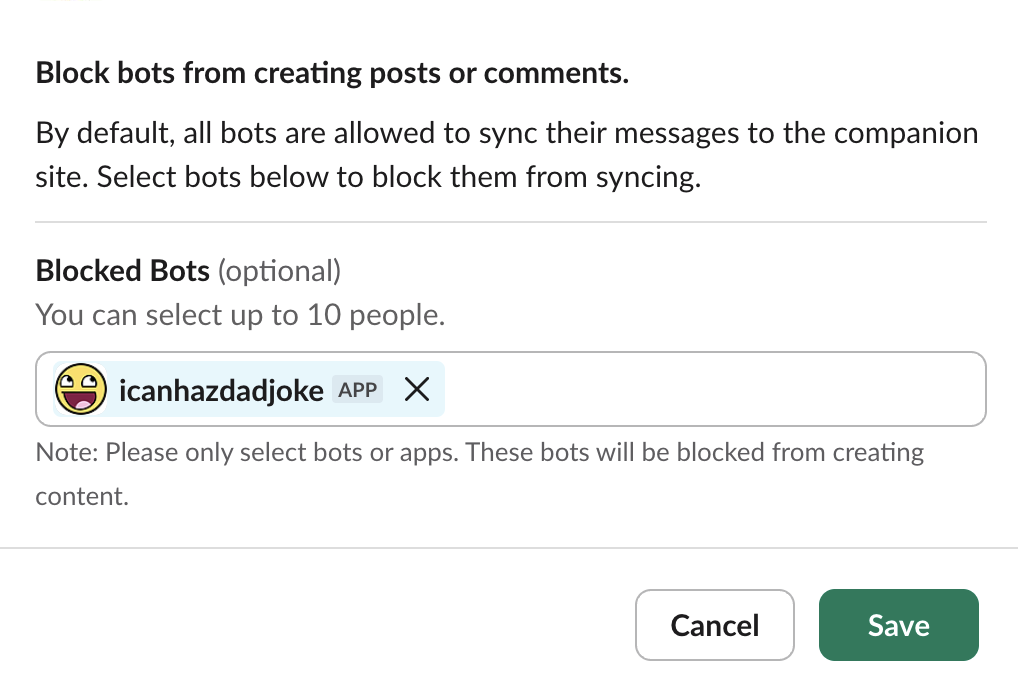
Blocked Bot Profiles modal
Only include bots you want to block from posting. All real members and bots not on this list are allowed to post.
- Bot Profile Photo Override - when enabled, the user profile photos for bots are replaced on the Community Site with your Community Site Icon. However, if a Slack message sent by a bot uses an explicit icon or username override to change the author user’s appearance, this override will take precedence and will be preserved in the Community Site.
Where to manage this
- In Studio
- In Slack
Go to Integrations > Slack and use the Bot Profiles section. Turning a bot off blocks its Slack activity from syncing as community content.
Limitations
- The Slackbot (i.e. user with id
USLACKBOT) is not supported in any user dropdown inputs in the Tightknit app or user-related fields in Tightknit APIs. - In order to sync messages sent by the Tightknit bot, the Post to site message shortcut must be used to manually post the message to the community site.