

list_members tool results.
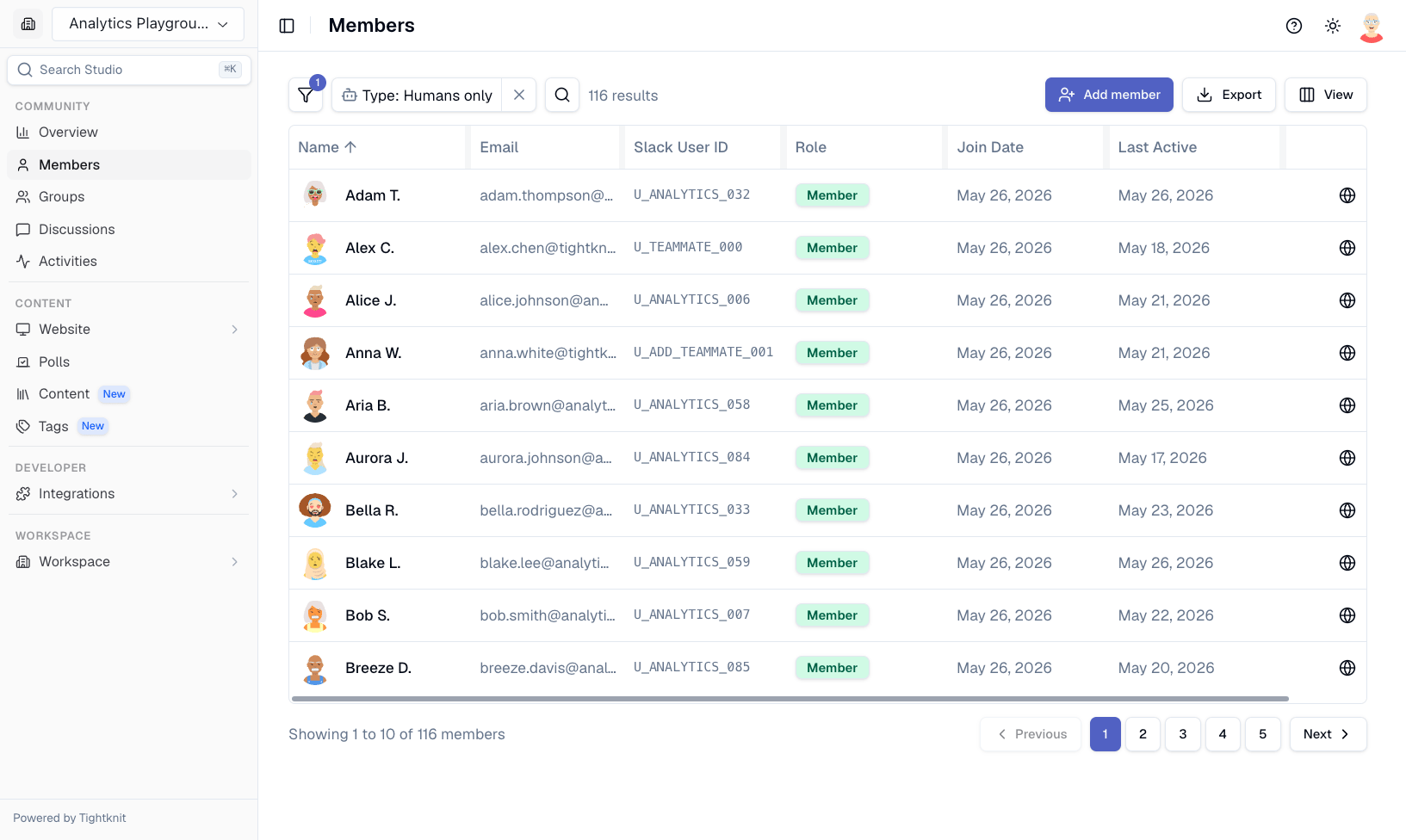
Members page with search, filters, and role management
Member Since and Signed Up dates
Two date columns show when a member arrived. Both are hidden by default, so turn them on in the column visibility menu:- Member Since — When they joined your community, either by joining your Slack workspace or by first signing in to your community site, whichever came first. The Member since filter and sorting by this column use it. Invited members have no date until they join, and members who joined before Tightknit was installed may show the install date instead.
- Signed Up — When they first signed in to your community site. It stays blank for members who have never signed in, such as members who only use Slack.
Creating Members
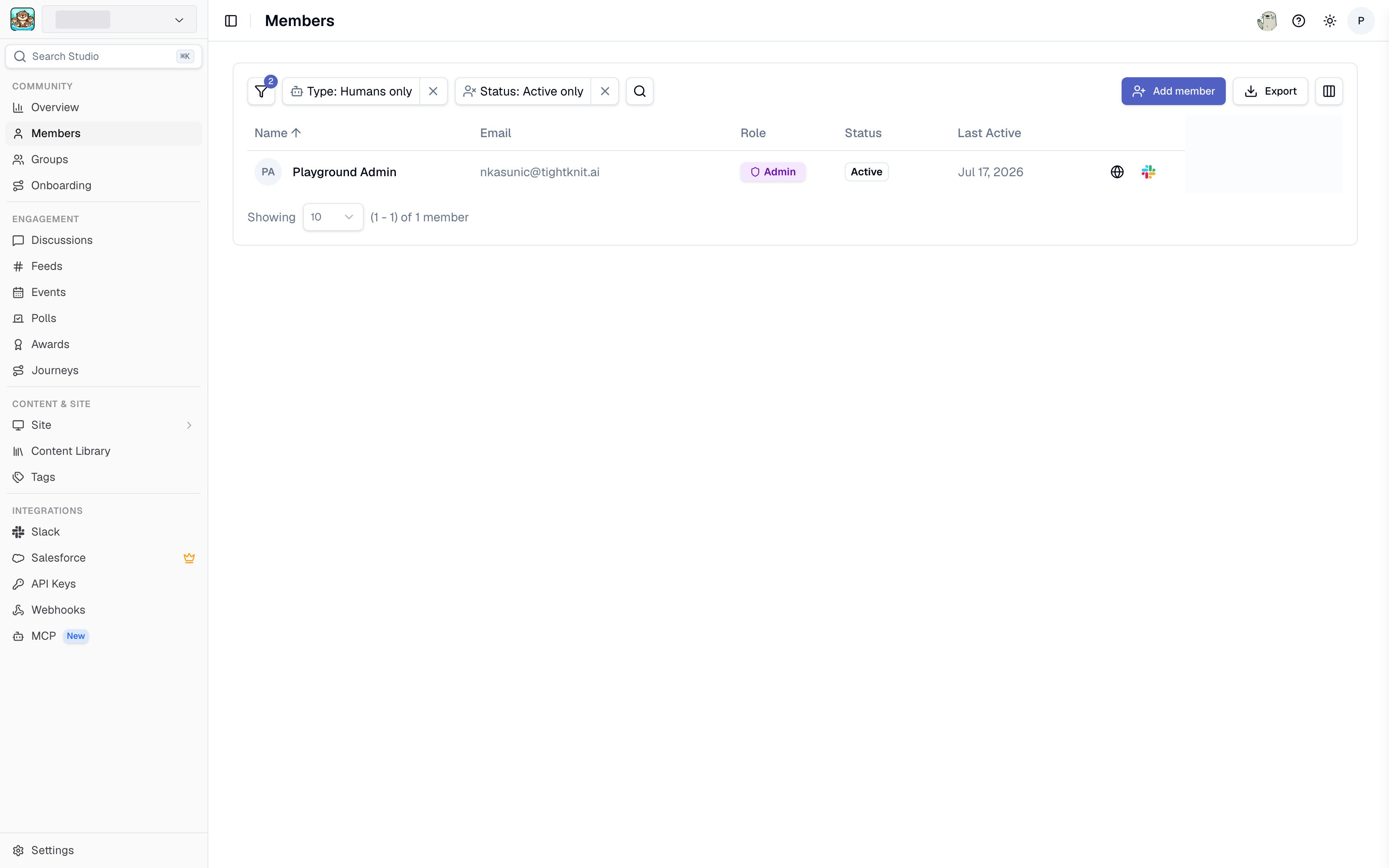
The Members page in Studio
Single Member Creation
To create a single member:- Navigate to Members in Studio
- Click Create Member
- Fill in the member’s details (name, email, etc.)
- Click Create to add the member
Bulk Member Import via CSV
To import multiple members at once:- Navigate to Members in Studio
- Click Create Member and select the bulk import option
- Upload a CSV file containing member data. You can download a template CSV to get started.
full_name, email, and avatar_url. The avatar_url column is optional.
Members created through Studio are independent of Slack. They will not have a connected Slack profile unless they are already a member of your Slack workspace. They may also join the workspace at a later date, and Tightknit will link their Slack account.
Invited members
A member is Invited until they join your community. There are two kinds of invited member, and the Pending Slack Invite column tells them apart:
If you add someone who is already in your Slack workspace, they are Active right away.
While a member of either kind is invited:
- Total Members and Member Growth on the analytics page leave them out, and so does the member count your plan bills on.
- Your community site’s member directory leaves them out, and so do the member avatars on each group’s card.
- Journey progress leaves them out.
- They have no join date. The Member Since column shows no date for them, sorting by it lists them last, and the Member since filter never matches them.
- Group member lists in Studio and group CSV exports include them, with an Invited status in the export.
Member detail page
Click a member’s name in the Members list to open their detail page. Its tabs are:
A Contact & Profile panel sits alongside the tabs with the member’s email, a link to their profile on your site, their role, and their Member Since and Signed Up dates. Message Member opens a Slack DM with them.
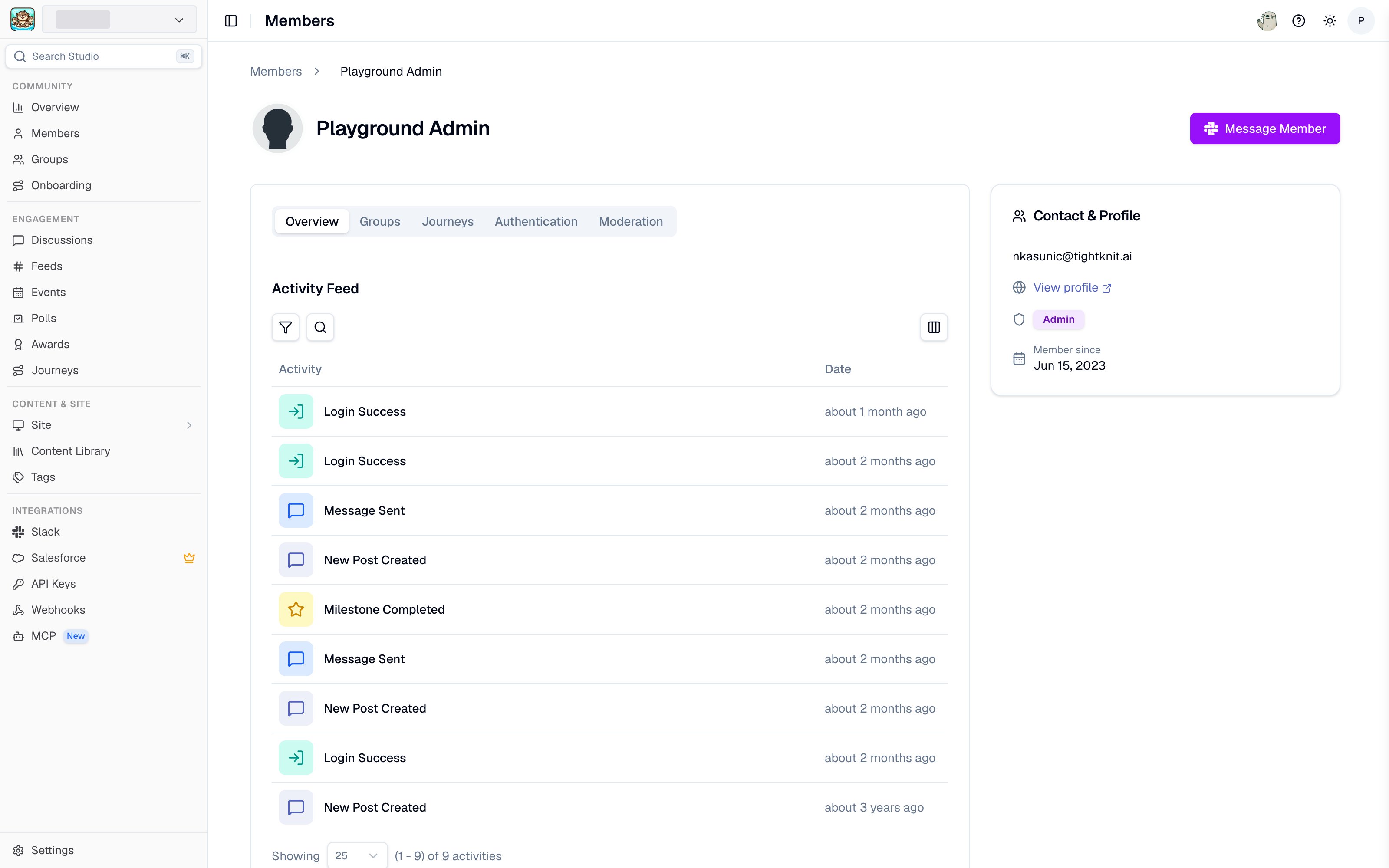
A member's detail page in Studio
Journeys tab
Lists each of the community’s active journeys with the member’s status, milestones achieved, and completion date. Inactive journeys are left out, matching what the member sees in Slack. Each row links through to the journey. This is the reverse of the journey analytics tab: the journey page shows every member’s progress on one journey, this shows one member’s progress across every journey.Authentication tab
The Authentication tab is visible to admins only.
- Connected accounts displays each sign-in provider the member has linked (Slack, Google, GitHub, email, SSO), along with its status. This is a read-only view for admins. Members manage their own connected accounts from the Account settings on the community site.
- Auth events lists the member’s authentication history, including successful sign-ins, failed attempts, and account linking activity. Use this to investigate sign-in issues or review a member’s recent authentication activity.
Deactivating and Reactivating Members
Admins can deactivate a member to revoke their access to the community. Deactivated members cannot sign in and are visually marked as inactive (grayscale avatar with an “Inactive” badge) on their profile page. To deactivate or reactivate a member, navigate to their member detail page in Studio.- Site-only members
- Slack-linked members
For members without a linked Slack account, you can manage their status directly in Studio:
- Open the member’s detail page in Members.
- Click the Deactivate (or Reactivate) action in the page header.
- Confirm the action in the dialog.
Deactivating a member does not delete their profile or content. You can reactivate them at any time to restore access.