

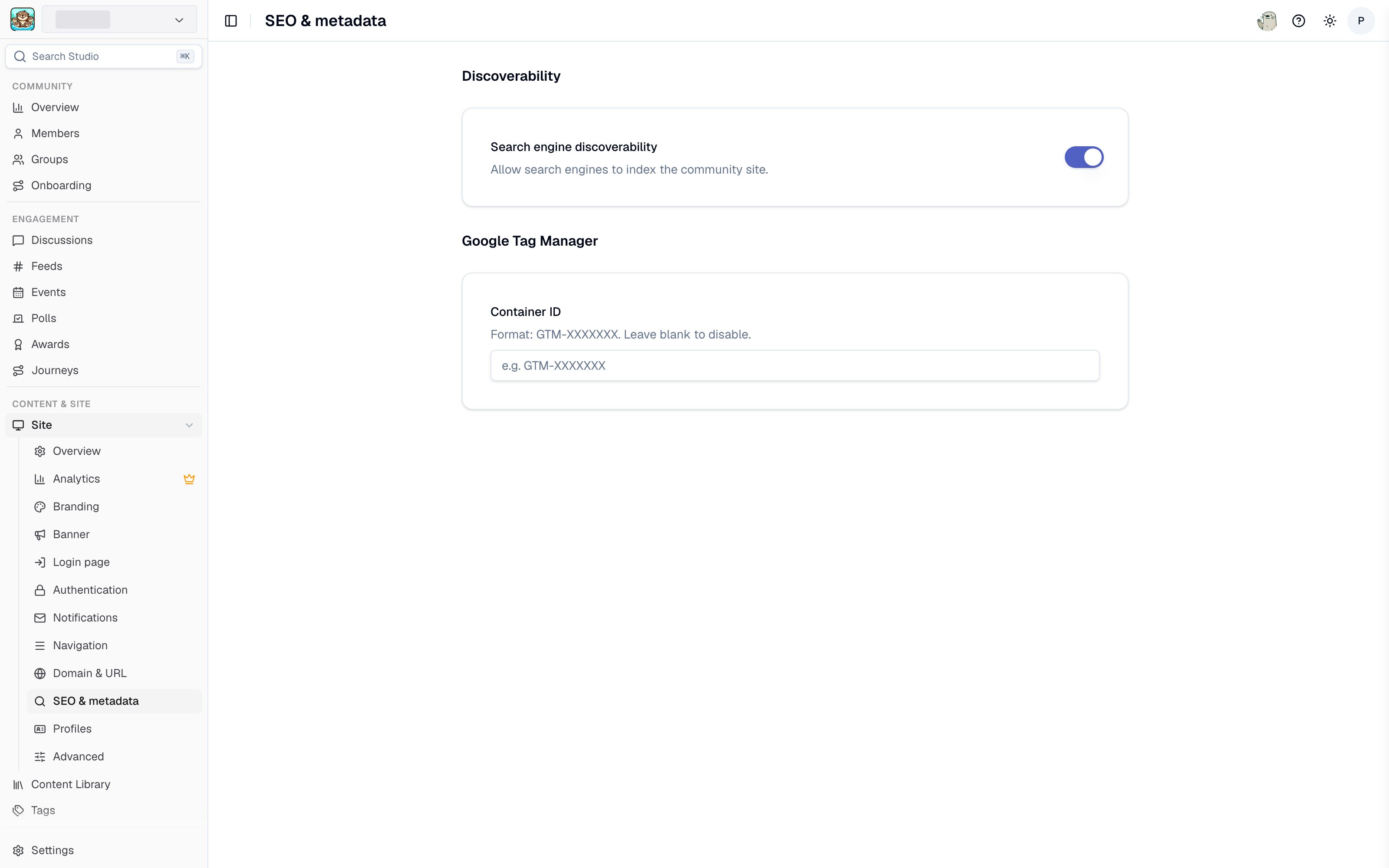
SEO and metadata settings in Studio
Search engine discoverability
The Discoverability setting opts your site in or out of being indexed by search engines.- Enabled (the default) - search engines can crawl and index your site’s public pages. Your sitemap at
/sitemap.xmlhelps them discover content that is eligible to appear in search results. - Disabled - your site has no sitemap, every public page tells search engines not to index it (a
noindexrobots header), androbots.txtasks other crawlers, such as AI crawlers, not to crawl the site. Search engines may still revisit public pages to readnoindex; existing results disappear as they recrawl.
Discoverability is separate from access control. A site set to Restricted access requires login regardless of this setting, so search engines cannot index its content either way.
What appears in your sitemap
/sitemap.xml is the main sitemap for your community site. Depending on the sections you have enabled, it helps search engines discover:
- Standard site pages
- Listed Feeds and their public posts
- Active member profiles that have public activity
- Events and Groups
- Resource collections and Tags
Page titles and metadata
Your site name is used as the title in your site header and in SEO metadata, and your site description and social media image are used when pages are shared. Set all three under Site > Overview.Google Tag Manager
Add a Container ID in the formatGTM-XXXXXXX to load your Google Tag Manager container on every page of your community site. Leave it blank to disable.
Tag Manager lets you add your own analytics, advertising, and marketing tags without touching Tightknit. For the full setup walkthrough, including the events Tightknit emits that you can build triggers on, see Integrations.
Related pages
- Domain and URL - a custom domain keeps search authority on your own domain.
- Site analytics - measuring the traffic these settings earn you.
- Integrations - Google Tag Manager in depth.