

Accessing API Keys
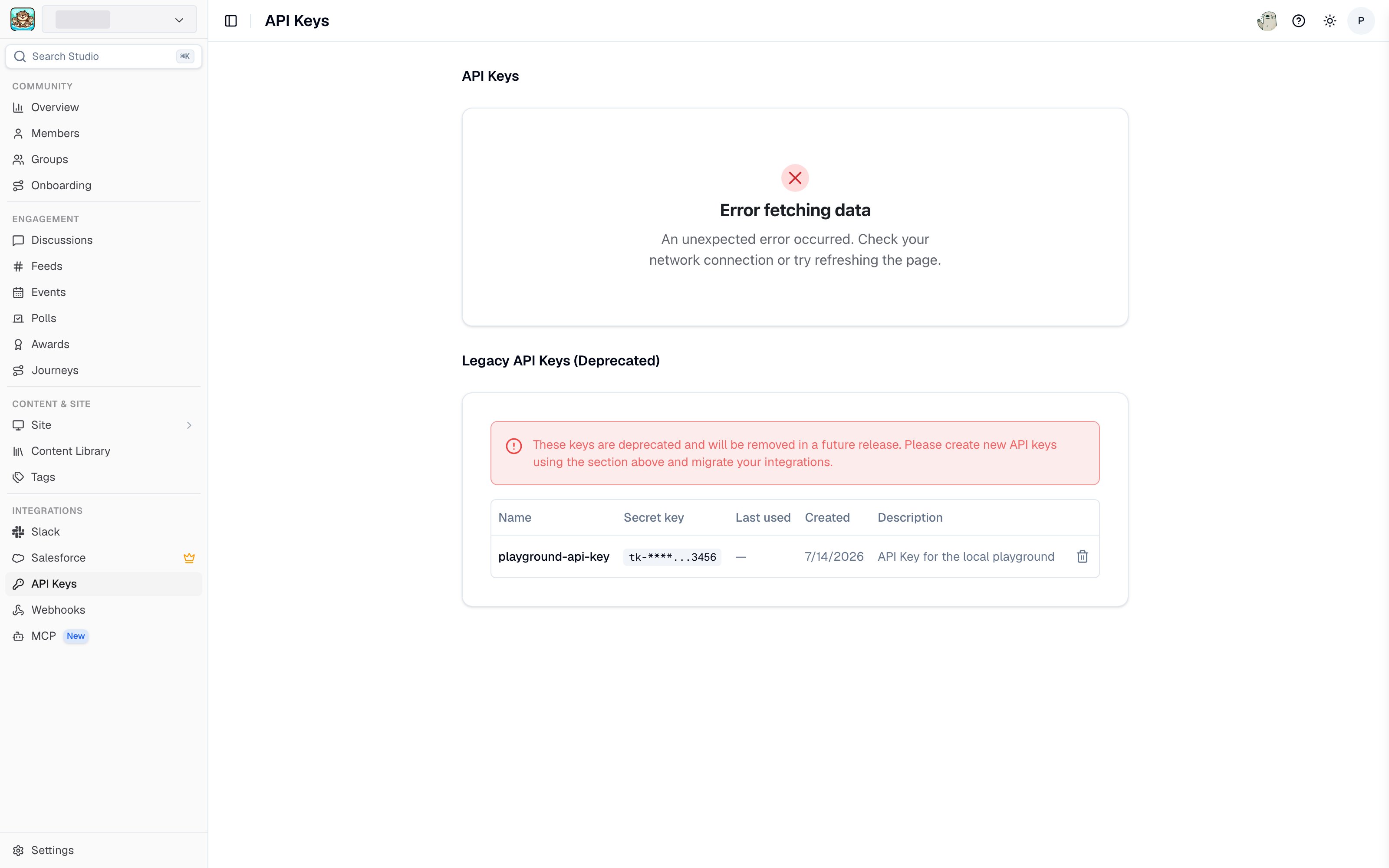
The API Keys page in Studio
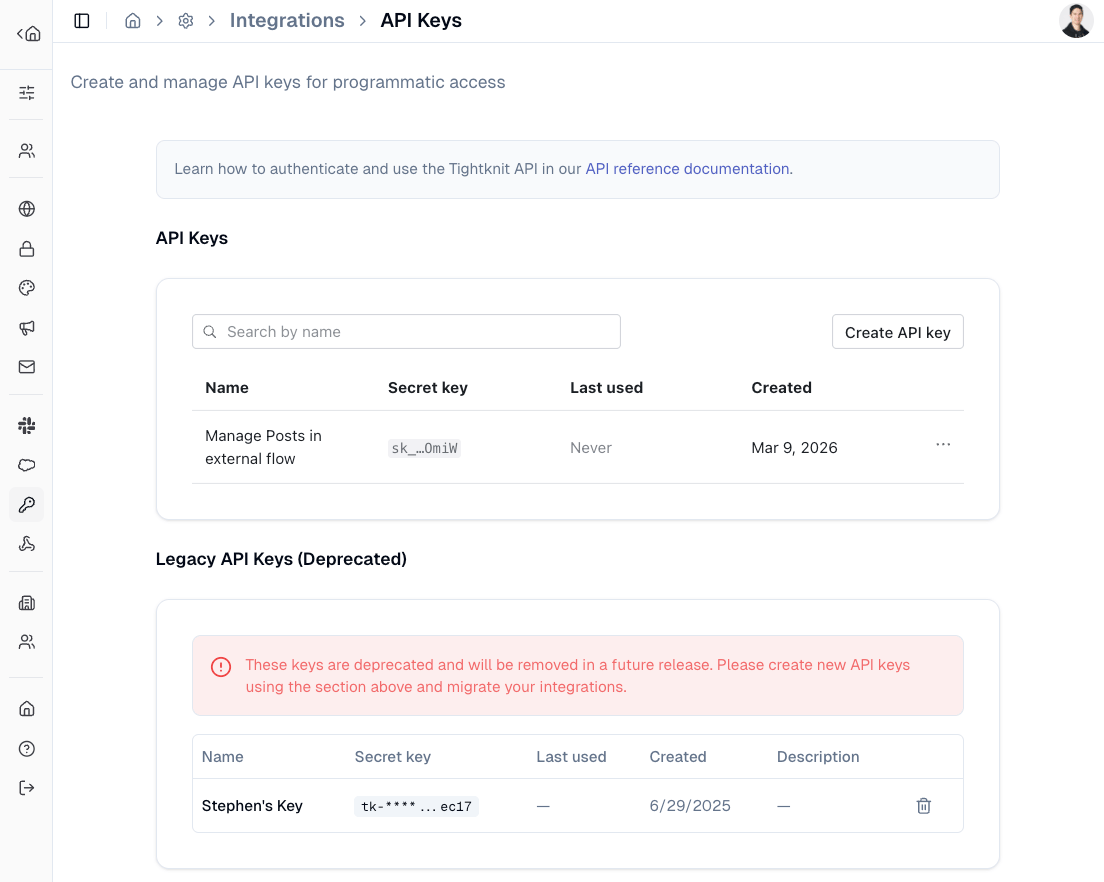
API Keys settings page
Creating a New API Key
Click theCreate API key button to generate a new API key. Give your key a descriptive name and choose its access to each API: No access, Read only, or Read & write. A key needs access to at least one API, and its permissions can’t be changed after it’s created, so create a new key if you need different access.
Keys don’t expire by default. To set an expiration, choose Edit expiration from the key’s menu after creating it.
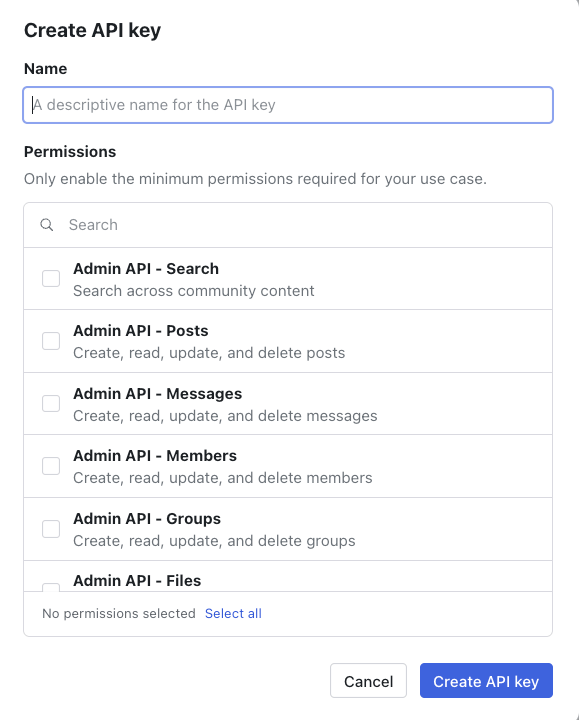
Create API key dialog
sk_*.
API Key Introspection
You can inspect the current API key’s details by callingGET /admin/v0/api_key/me. This returns the key’s type, associated community, and granted permissions. This is useful for verifying that your key has the required permissions before making other API calls.
If your API key is missing a permission required by an endpoint, the API returns a 403 response with an INSUFFICIENT_SCOPE error code and a hint listing the permission that was required and the permissions your key currently has.
See the API Reference for full endpoint details.
Legacy API Keys
Legacy API keys with thetk-* format are deprecated and will be removed in a future release. Please create new API keys and migrate your integrations.