
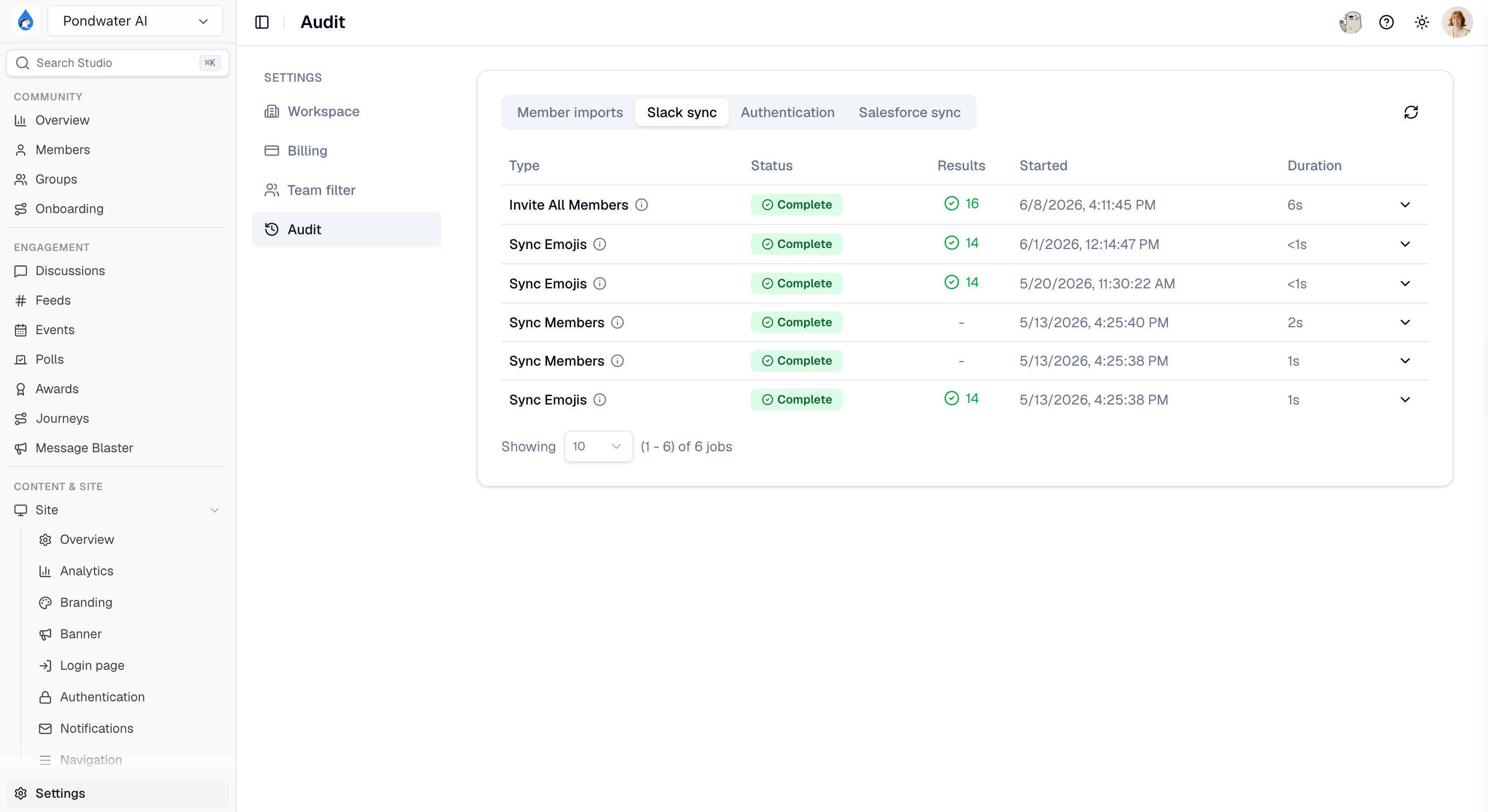
The Audit page in Studio
Member imports
Every bulk member import you have run, with its status and results. Use it to confirm a CSV import finished, and to see which rows were skipped and why.This tab requires member management access and the CSV import capability. If your plan does not include bulk imports, the tab does not appear. See Creating members.
Slack sync
The history of sync jobs between your Slack workspace and Tightknit, including backfills. When a channel’s older messages are missing from Discussions, this is where you confirm whether the backfill ran and whether it completed. For what Tightknit syncs and how reliably, see the sync guide and data sync reliability.Salesforce sync
Sync jobs for the Salesforce integration, with per-job detail. Click into a job to see its records processed and any errors.Authentication
The community-wide record of every sign-in attempt against your community site.Related pages
- Activity feed - community interactions rather than jobs and sign-ins.
- Authentication - configuring how members sign in.
- Troubleshooting - common sign-in and sync failures.