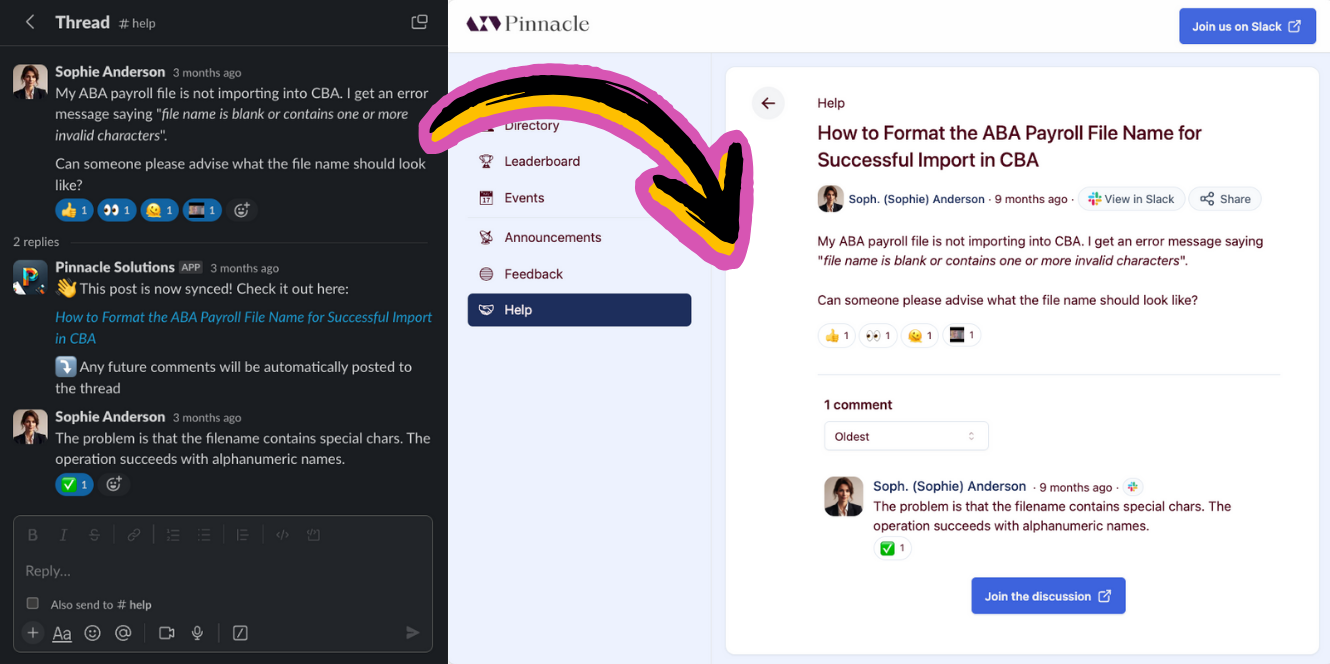
What the Tightknit community site is: a website that hosts your Slack workspace content for the searchable web, with interactivity for members.
The Tightknit community site is a website that hosts the content created within your Slack workspace and transforms it into a beautiful format for the searchable web.
Slack content syncing to the community site
The benefits of having a community site include:
SEO boost for your brand
Landing page which drives traffic to your Slack community
Authenticated users can interact with your community site beyond just reading content. When interactivity is enabled, users can log in, create posts, and leave comments, all of which sync with your connected Slack workspace.
Authenticated users can create new posts directly from the community site. Users select a Feed to post to, compose their content, and publish. The post is automatically synced to the associated Slack channel, appearing as a new message.
Posting and commenting from the site must be enabled on a per-Feed basis in
the Feed settings.
A post or comment written on the site has to fit in a single Slack message. When the content syncs to Slack, the editor enforces a length limit:
A post in a Feed connected to a Slack channel can be up to 48 blocks.
A comment can be up to 50 blocks.
Each paragraph, blank line, heading, list, image, and link preview counts as one block. A link preview inside a list item adds a block of its own after the list, and each paragraph inside a quote counts separately. The same limit applies when editing a post or comment that already has a Slack message.
Post authors can edit their own posts directly on the community site. From the post detail page, click the actions menu and select Edit to modify the title and body of the post. Edits are automatically synced back to the associated Slack message.
Only posts that were originally created on the community site can be edited on
the site. Posts originating from Slack should be edited in
Slack.
Authenticated users can leave comments on posts directly from the community site. Comments are synced to the associated Slack channel as thread replies on the original message.
Posting and commenting from the site must be enabled on a per-Feed basis in
the Feed settings.
Comment authors can edit their own comments inline on the community site. Click the actions menu on a comment and select Edit to modify the comment body. Edits are automatically synced back to the associated Slack thread reply.
Only comments that were originally created on the community site can be edited
on the site. Comments originating from Slack should be edited in
Slack.
Authors can delete their own site-created posts and comments directly from the community site. Deletions are synced back to Slack, and the corresponding message or thread reply is also removed. See Delete a Post or Comment for details.
Posts and comments that originated from Slack cannot be deleted from the
community site. You will be redirected to Slack to delete the content there
instead. Deleting in Slack will cascade the deletion to the community site as
well.
When interactivity is enabled, users can receive notifications about activity on their posts and comments. Admins can also configure Team Notifications to receive alerts in a designated Slack channel for events like new users joining and awards received.
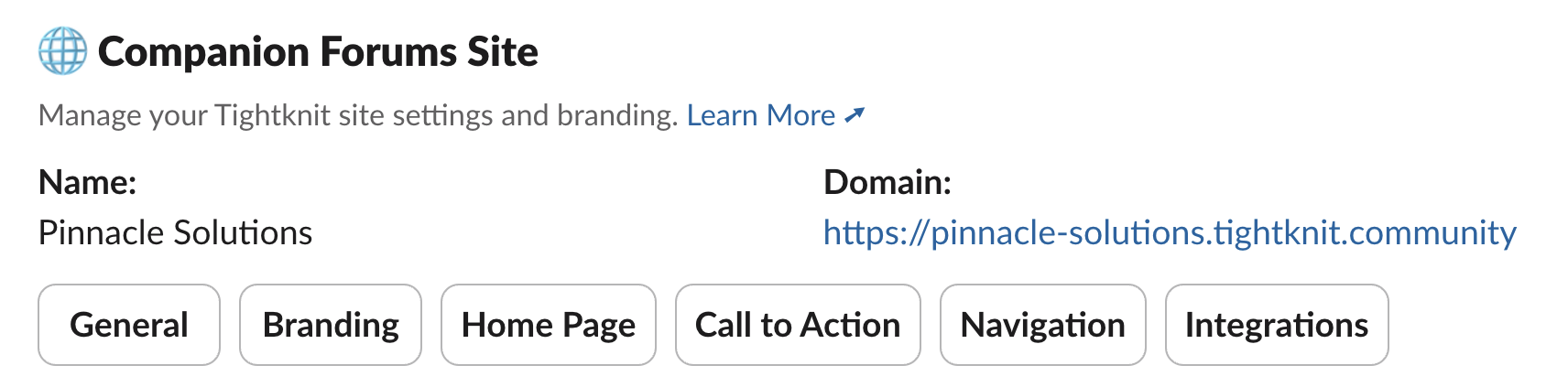
Access settings related to the Community Site under the Community Site section in the Tightknit app home. If you have not created a community site yet, click the + Create Community Site button in the Community module to create one in a couple of clicks.
In Slack: Community site module in the Slack app home
Was this page helpful?
Assistant
Responses are generated using AI and may contain mistakes.