

Reading the activity log in Studio
Studio’s Activity page is the chronological record of everything that has happened in your community. Use it to answer “what happened, and when?” for a specific member or a specific day. It is not listed in the Studio sidebar. Reach it with Cmd+K and typeactivity, click View all activity on the Recent Activity card at the bottom of the Overview dashboard, or go straight to Activity.
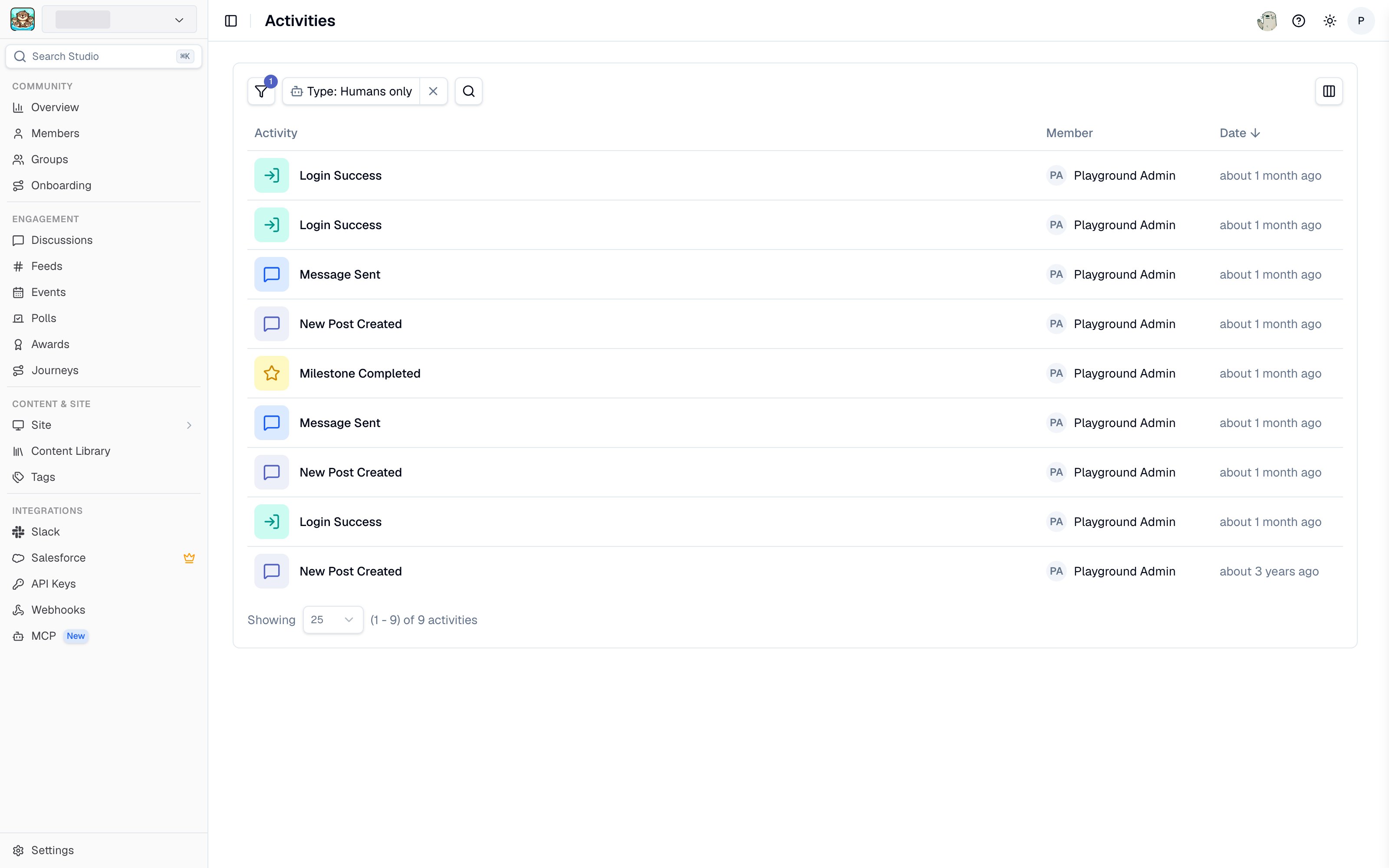
The Activity page in Studio
Searching and filtering
Search matches on activity content and on the member who performed it. Three filters narrow the feed:- Activity - the activity type. Every type listed under Activity types below can be filtered for.
- Team - include all members, only your teammates, or exclude your teammates.
- Type - humans only, all including bots, or bots only.
A single member’s activity
To see one member’s history instead of the whole community, open their profile from Members and use the activity tab there. It carries the same activity-type filter.Viewing activity requires community data access. See Access and roles.