

Posts
Once a Slack channel has been connected to a Tightknit Feed, all new messages sent within that channel are synced to the Tightknit community site as posts.You can enable the New Post Notification Agent in a Slack channel Agent
Settings in order to automatically get
reminders when each message is synced to the site (featured below).
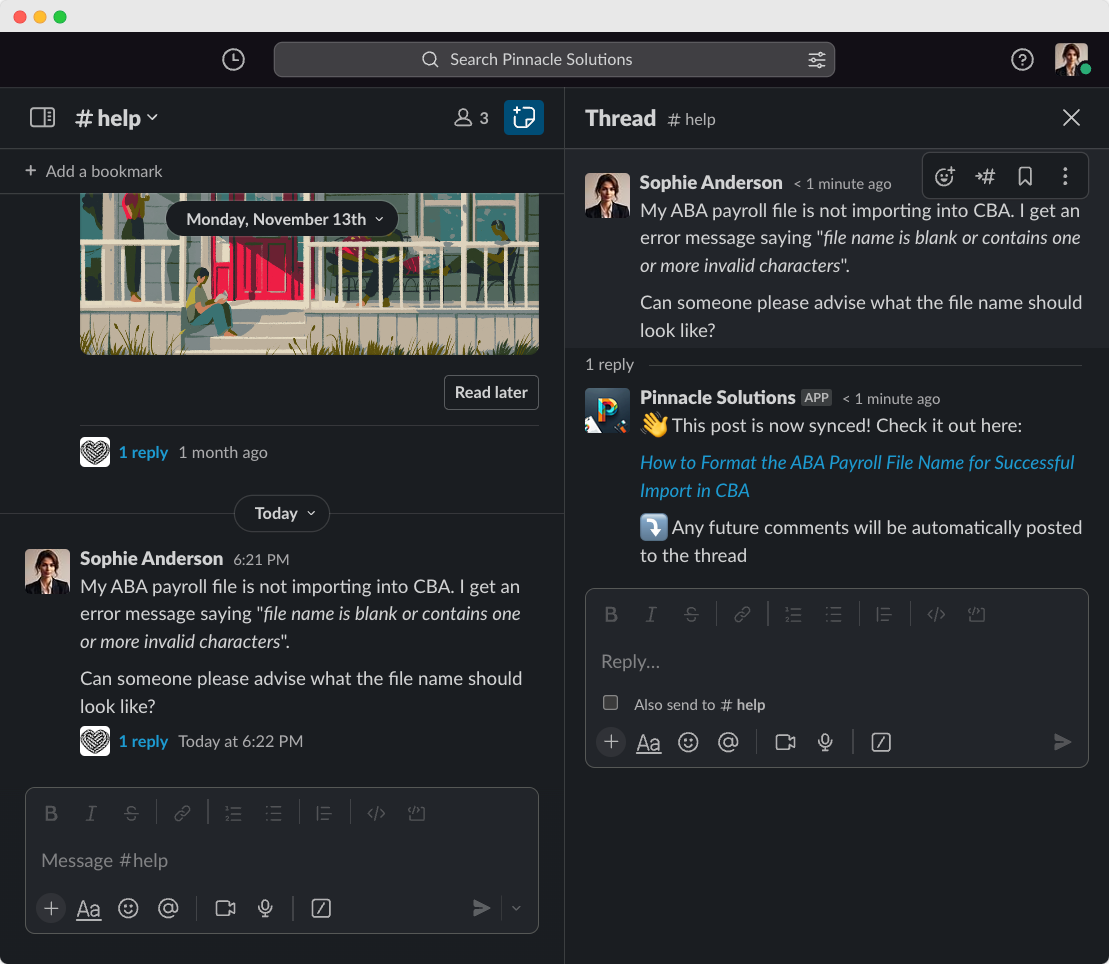
A new message in Slack
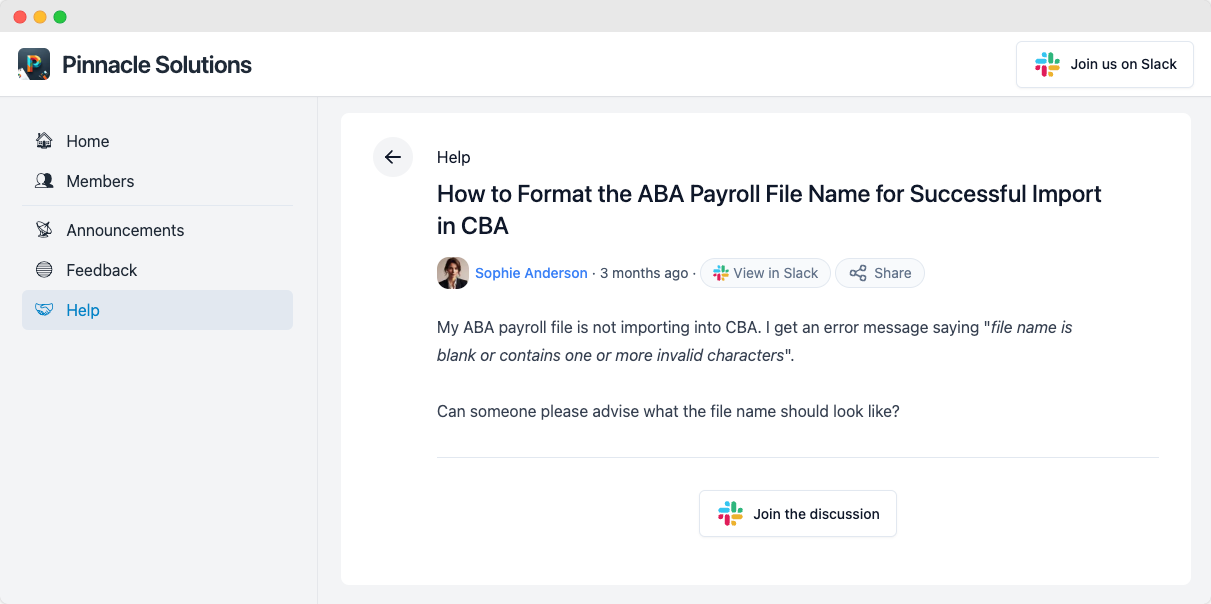
The synced post on the community site
Title and slug
The post title and URL slug are automatically generated using AI. If you prefer a different title or slug, you can edit it using the message shortcut.Comments
Any replies on a synced Slack message are synced to the Tightknit community site as comments on the post.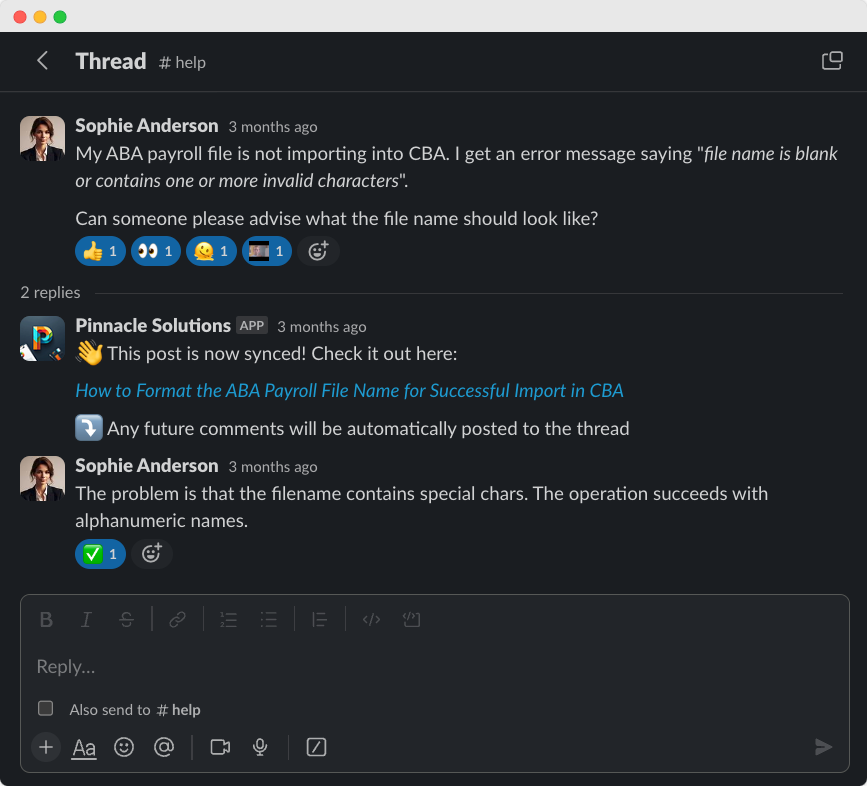
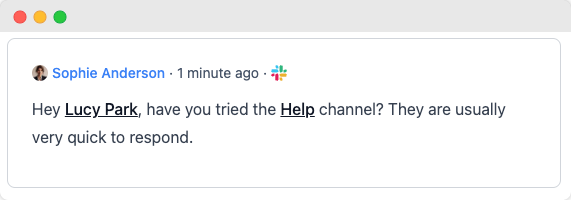
A reply in a Slack thread
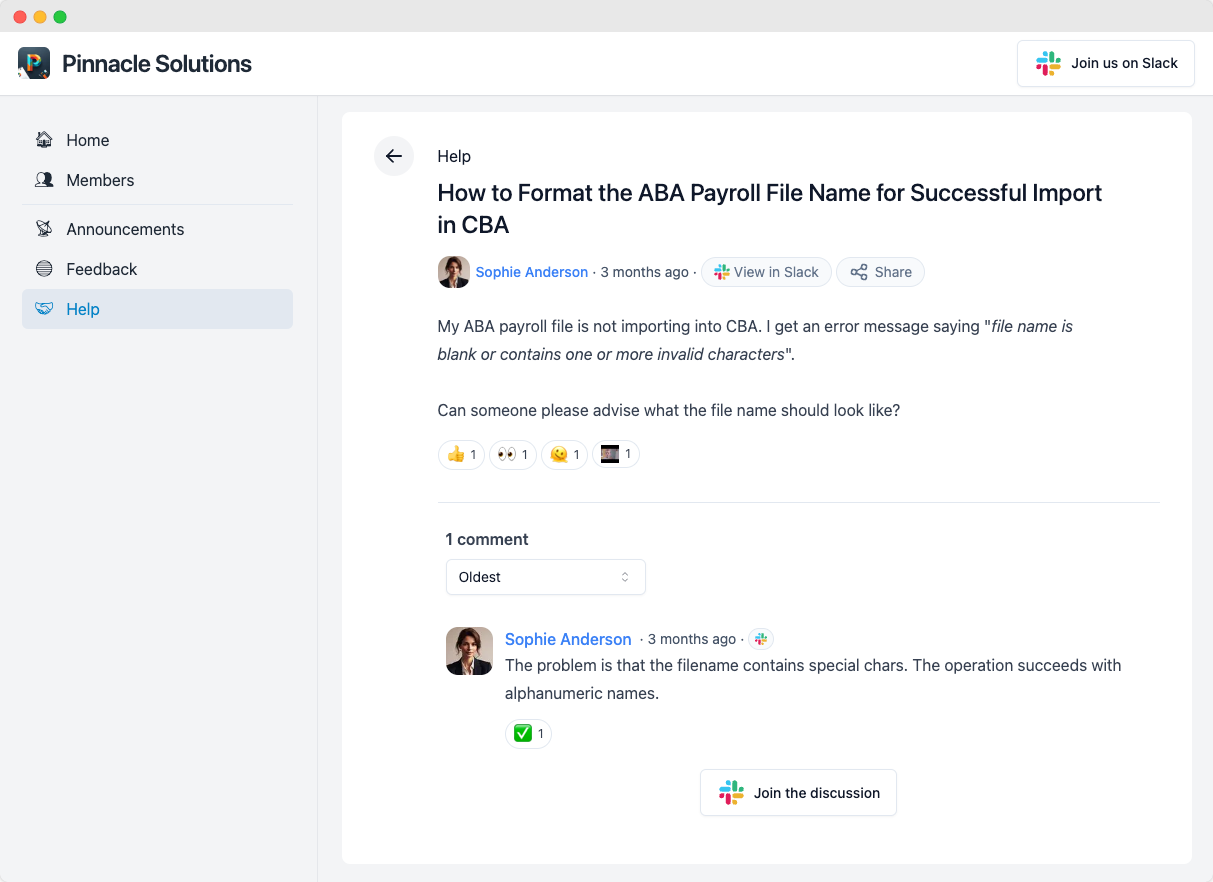
The synced comment on the community site
Tightknit treats all top-level Slack messages as posts in the Tightknit
community site and all replies as comments. When responding to someone in a
Slack channel, always reply in the message thread.
Otherwise, consecutive top-level messages will each create distinct posts in
the Tightknit community site without context of each other.
Message shortcut: sync a message to the Tightknit community site
Let’s say you have a Slack message that is not synced to the Tightknit community site. Perhaps it is a message sent prior to your Tightknit installation date, or maybe it was previously synced but a user removed it from the Tightknit community site using the message shortcut. You can simply re-sync it to the Tightknit community site using the Tightknit message shortcut.Using the message shortcut will sync the entire message thread at once,
including the post, comments, file attachments, emoji reactions, etc.
@Mentions and tags
Tightknit will convert most @mentions and tags within the body of a message to the equivalent name and link within the Tightknit community site.
User and Channel tags in Tightknit community site content will be dynamically updated if the associated name changes in Slack.
| Slack Message | Tightknit Post |
|---|---|
 |  |