

Slack Action
When you edit your Slack message body using the Edit action, your post or comment will automatically be updated to reflect those changes in the Tightknit community site.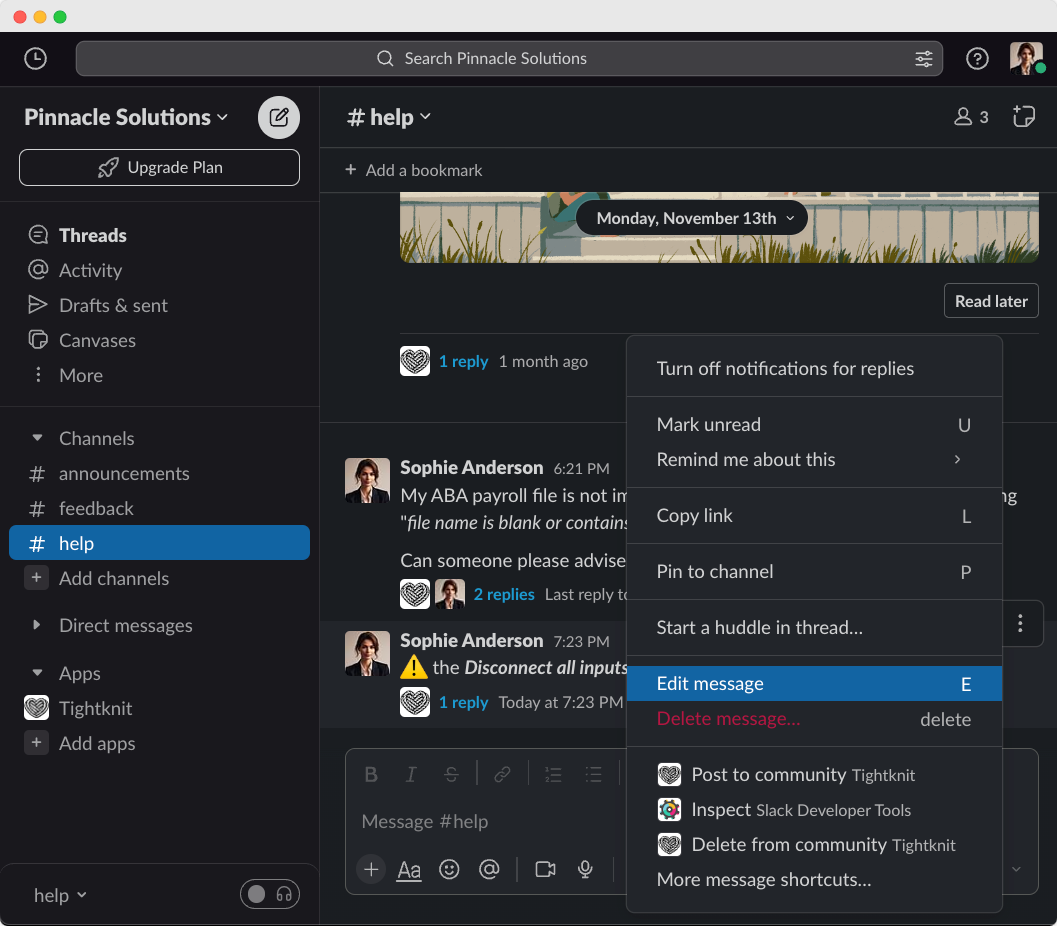
Editing a message in Slack
Message Shortcut: Edit Post Title and Slug
You can also update the post title and slug using the Tightknit message shortcut.Editing from the community site
If interactivity is enabled, authors can also edit their own posts and comments directly on the community site. From the post detail page, use the actions menu to select Edit.- Posts: You can modify the title and body. Edits sync back to the original Slack message.
- Comments: You can modify the comment body inline. Edits sync back to the Slack thread reply.
Only posts and comments that were originally created on the community site can
be edited on the site. Content originating from Slack must be edited in Slack.