

Profile Settings modal under the Community Site module.
You can configure:
- Profile Name Display - Control how your users’ names are displayed on the community site
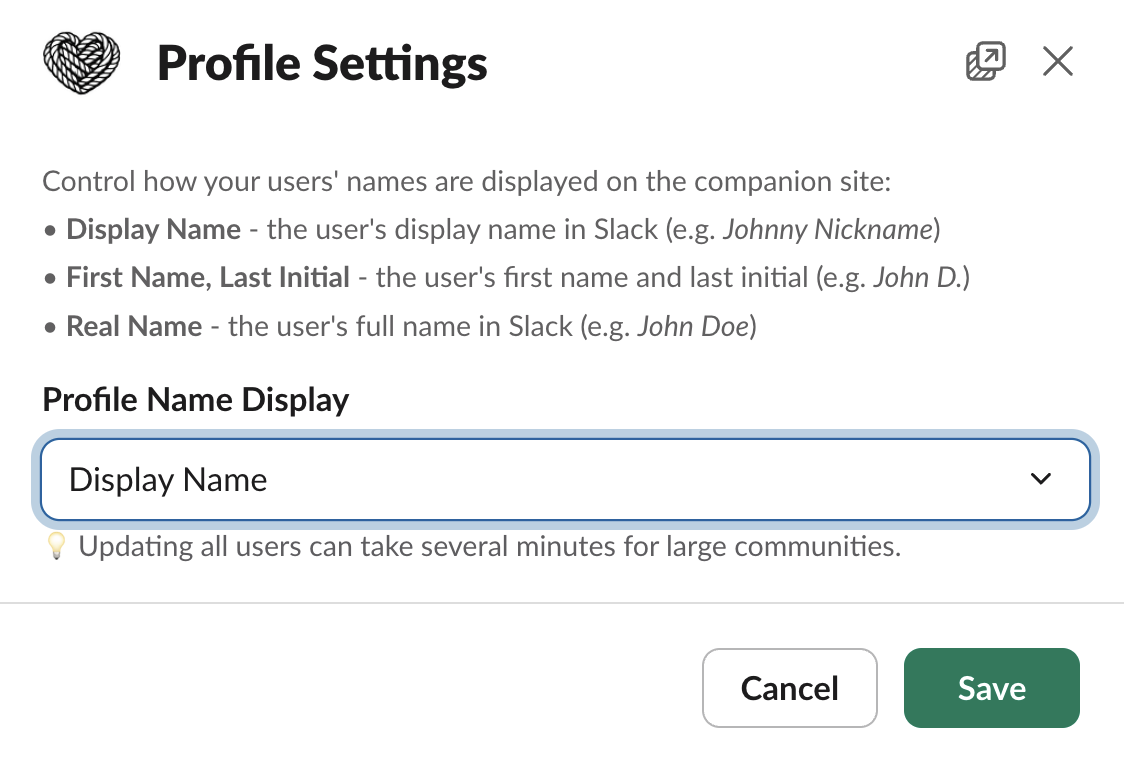
Profile Settings modal
Profile Name Display
- Display Name - the user’s display name in Slack (e.g. Johnny Nickname)
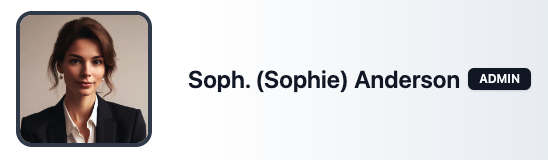
Display Name example
- First Name, Last Initial - the user’s first name and last initial in Slack (e.g. John D.)
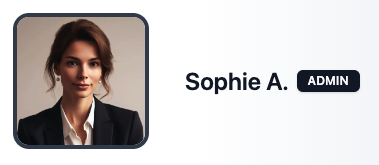
First Name, Last Initial example
- Real Name - the user’s full name in Slack (e.g. John Doe)
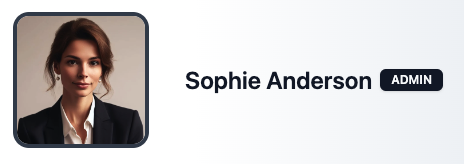
Real Name example
Updating the display name for all users can take several minutes for large
communities.