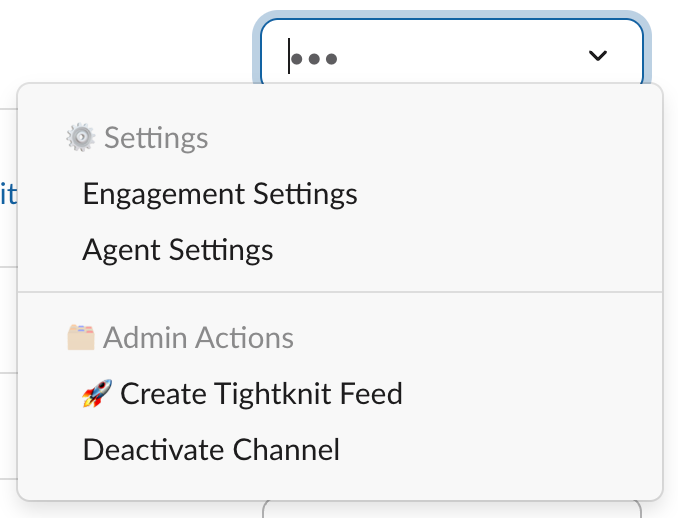
The Thread Engagement Reminder agent helps you keep conversations tidy by replying to a message with a friendly, action-oriented reminder to use threads.
It encourages thread-first habits while minimizing channel noise in your community.
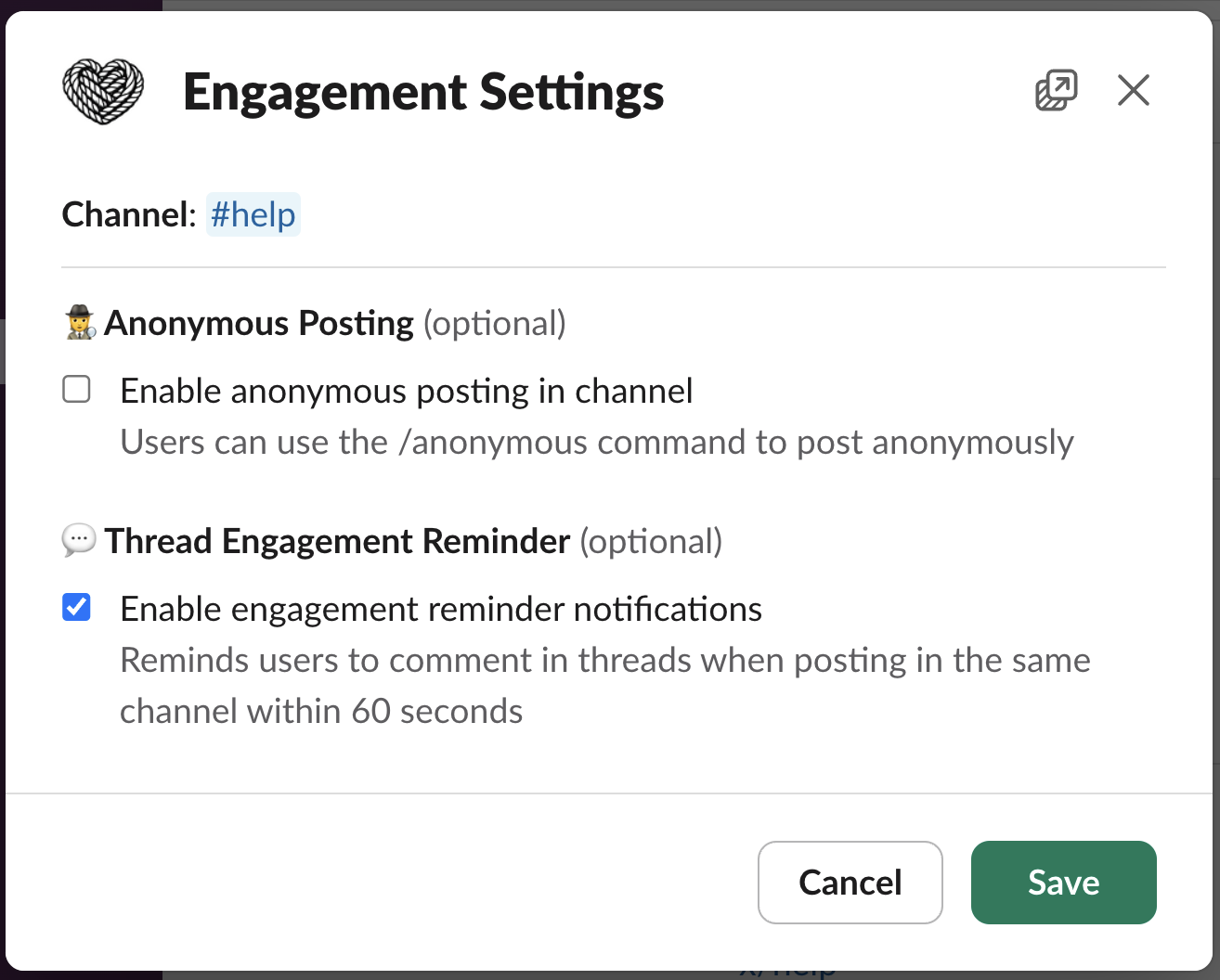
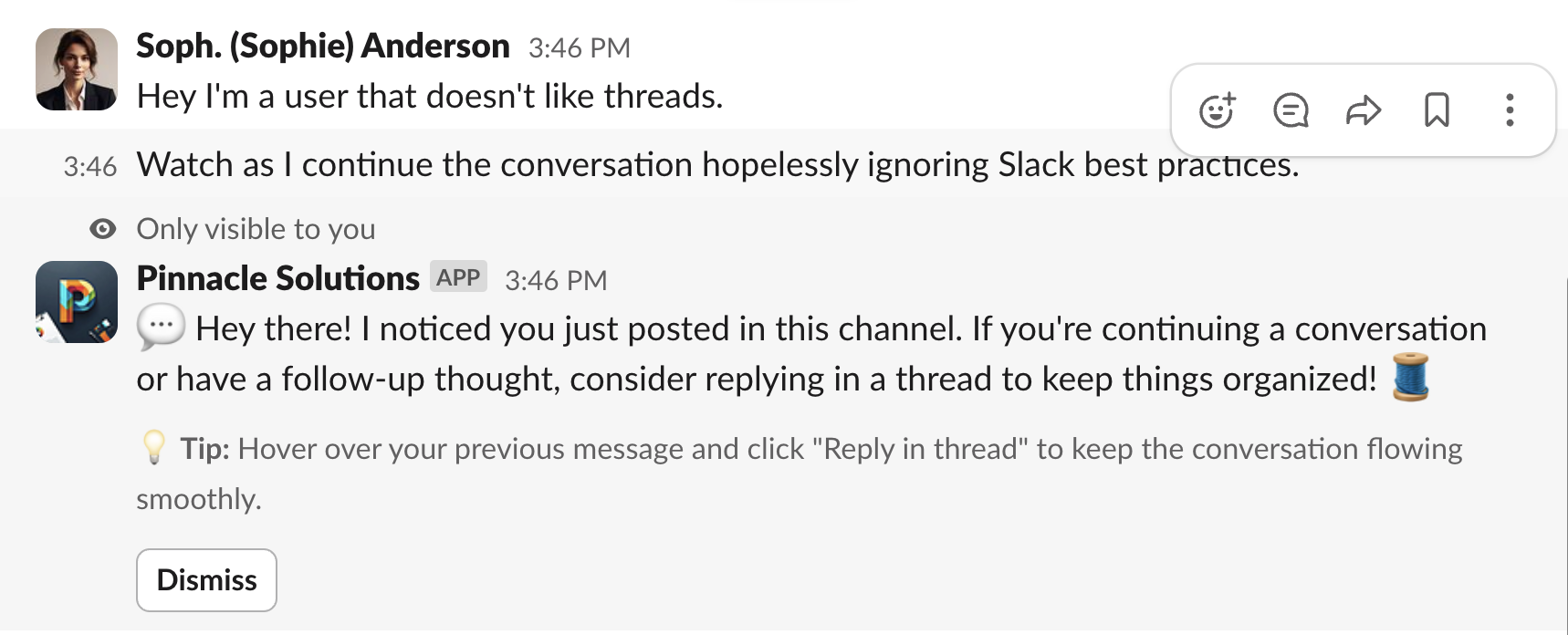
When enabled, the Thread Engagement Reminder posts a short, friendly reply in a thread to nudge thread-first conversation, but only in a specific scenario.It will show up when:
The same person posts again in the same channel within 60 seconds of their previous message, and the follow-up is not a threaded reply
What it does:
Posts a concise, helpful message as a reply under the original message’s thread
Encourages continuing the conversation in that thread to keep the channel tidy
Never blocks messages; it only nudges
It will not show up when:
The follow-up is posted as a thread reply
More than 60 seconds have passed since the person’s previous message in that channel
Example response (actual text may vary):
Example thread engagement reminder reply
🧵 To keep this conversation tidy, we’ve replied here in a thread. Follow along or reply here to keep context together. If you need broader attention, you can still share a summary in the main channel.
Was this page helpful?
Assistant
Responses are generated using AI and may contain mistakes.