Understand channel states, activate Slack channels for Tightknit, and connect them to Feeds that sync content to your community site.
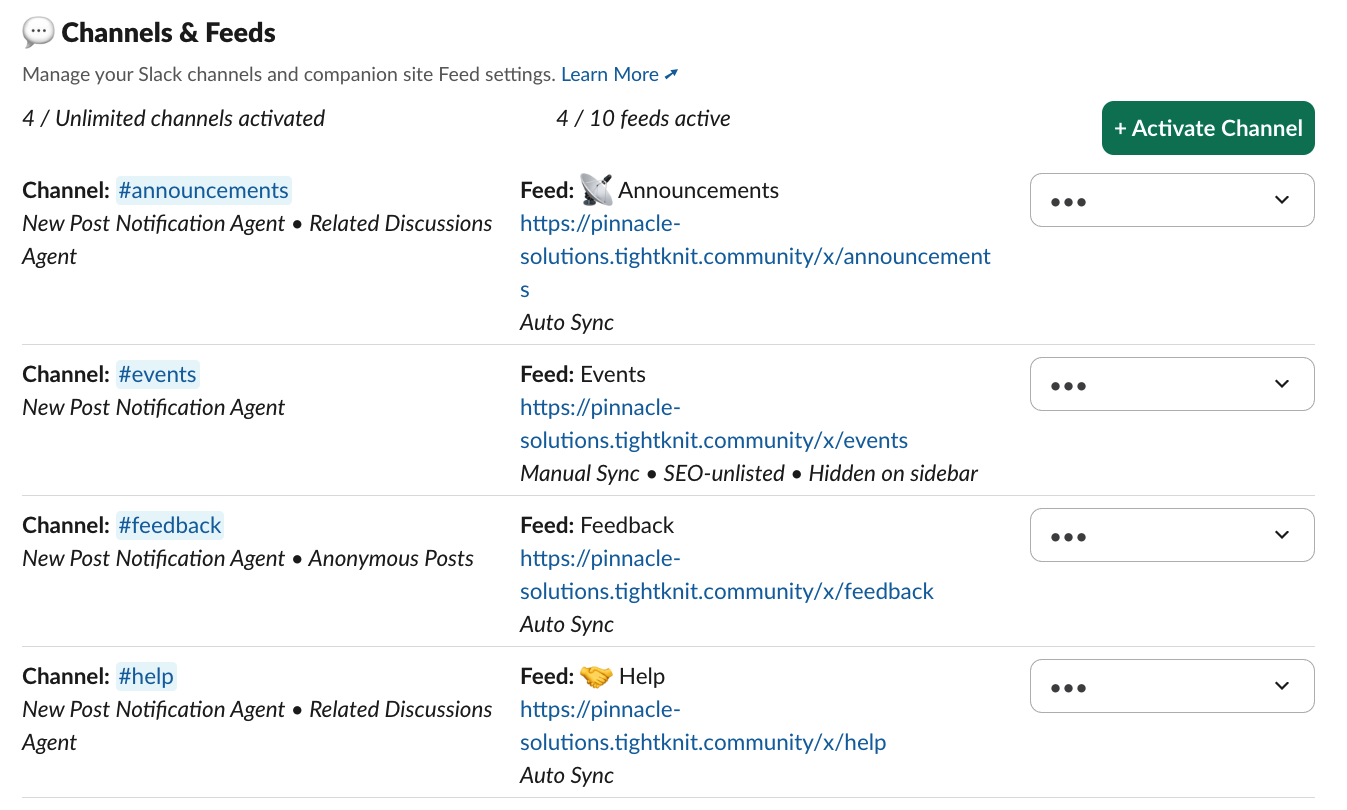
Manage channel-level features and connect your Slack channels to feeds in the Community Site. To give the app permissions to view and manage your Slack channels, you must first activate the channel for Tightknit. This will unlock community management features for the channel, as well as allow you to connect a Feed.
Tightknit only sees channels it has been added to. Add the Tightknit app to
every channel you want analytics and message history for, even ones you never
publish to your community site. From the channel, type /invite and pick the
Tightknit app.
Channels can exist in three states: non-activated (default), activated
(with data ingestion and Slack features enabled), and activated with a Feed
(syncing content to your community site). Learn more about channel
states.
Go to Feeds under Engagement for feed settings, and Slack channels for the full channel directory and each channel’s activation state. See Activate a channel.
The Feeds page in Studio
The Channels module in the app home activates and deactivates channels, and shows which ones Tightknit is syncing. Feed settings live in Studio; the module links straight there.
Channels module in the App Home
Was this page helpful?
Assistant
Responses are generated using AI and may contain mistakes.