

/user/<profile-id>.
Note that the id belongs to the user’s Tightknit profile, not their Slack profile.
Admin users have ADMIN badge next to their name.
Users connected to Slack bots or apps will have an APP badge next to their name.
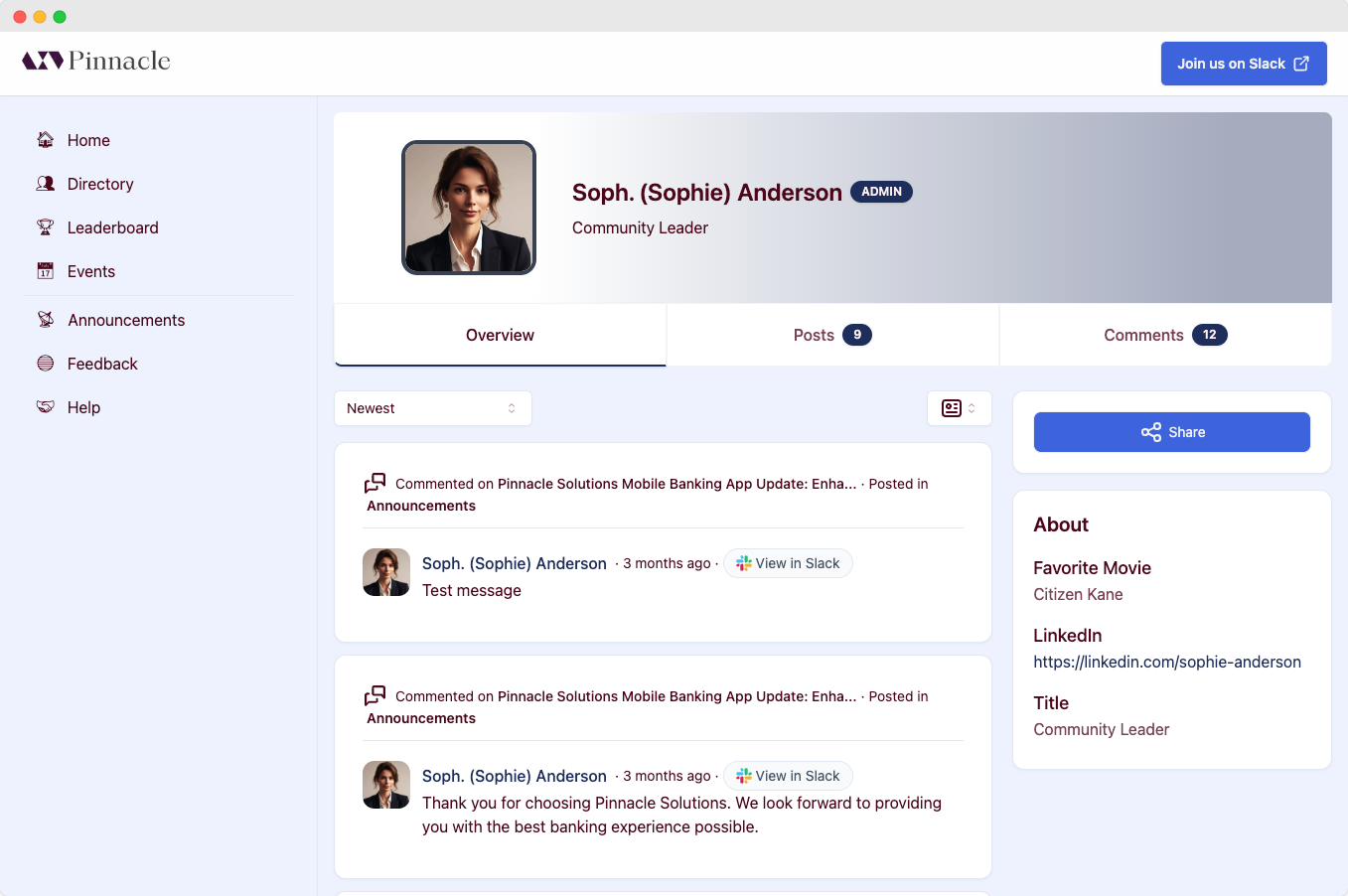
By default, the Tightknit companion site shows the full name from the user’s
Slack profile. Please contact Support if you
need a different name display style.
Profiles of bot users always display the full bot name and image from Slack.
If you prefer that bot profile images instead reflect your community logo,
please contact Support.
Profile Tabs
Overview
The Overview tab contains a Feed of the user’s combine post and comment activity in all Feeds, except unlisted Feeds. It also displays certain profile fields from the user’s Slack profile.Want to know when a user’s profile info is synced from Slack to the companion
site? See the Companion Site Sync Guide .