> ## Documentation Index
> Fetch the complete documentation index at: https://docs.tightknit.ai/llms.txt
> Use this file to discover all available pages before exploring further.
# Manage Events
> Manage your events in Tightknit.
## Modifying Events
In order to edit an event, the user must either be the creator of the event or
an admin user.
To edit an event, open the Events List panel and click the `•••` menu button. Select the `Edit` option.
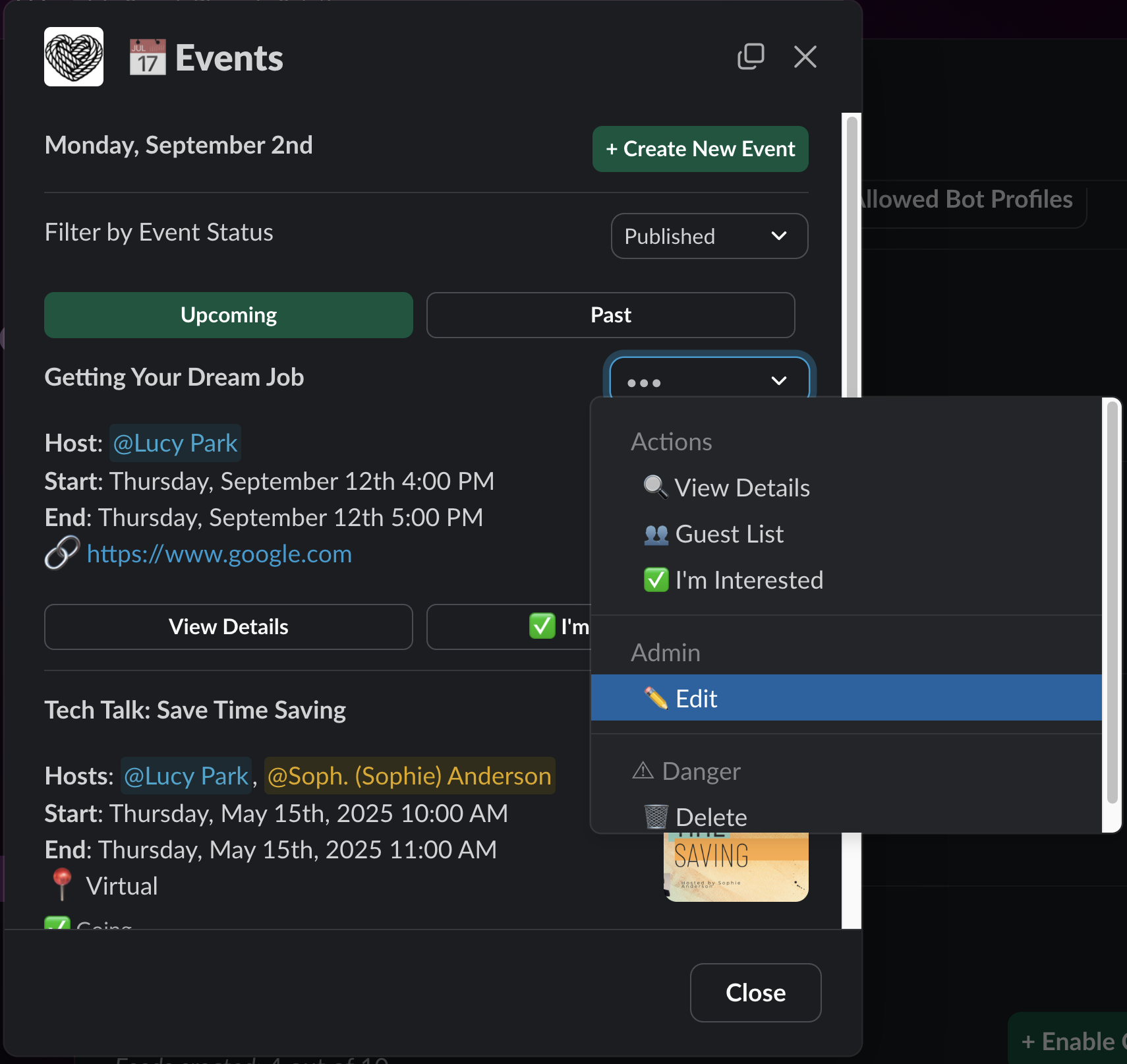 Tightknit makes event management a breeze. If you need to edit the details of an event that has already been published and announced, Tightknit will automatically update *all* of the announcement messages in Slack. 🙌
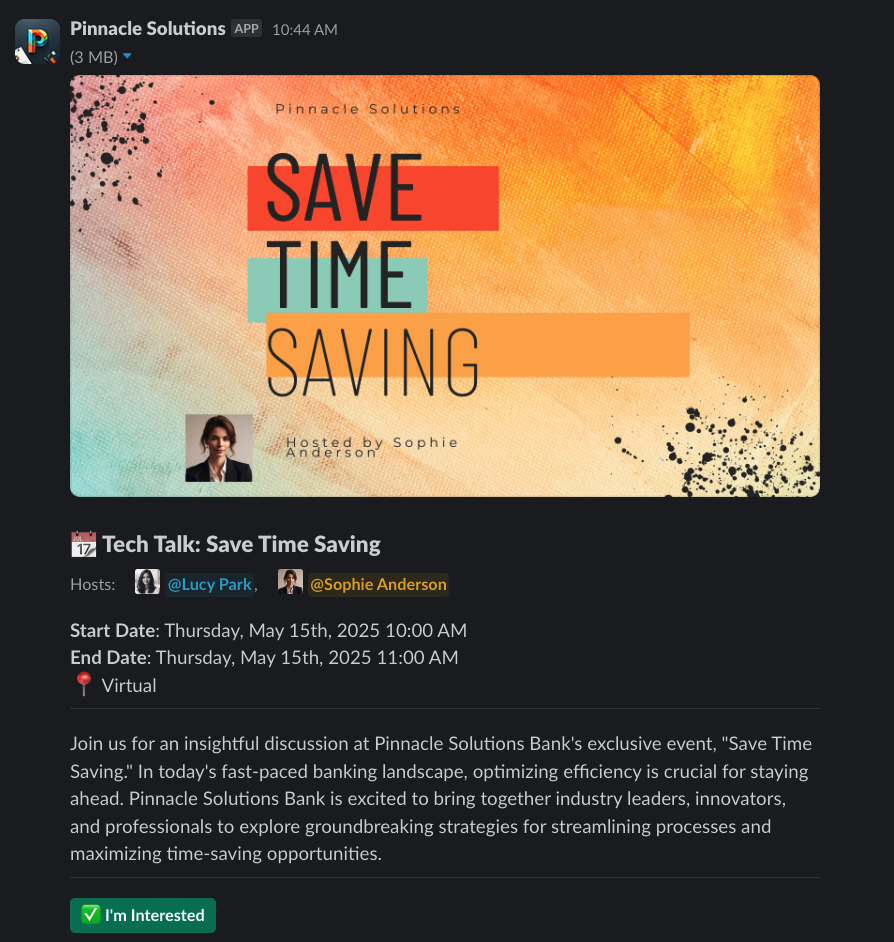 Accidentally published the event to the wrong channel? No problem! You can modify the publish settings of an existing event too, even if it is published! If you add a new channel for a published event, we will immediately post a new announcement message in that channel. If you remove a channel for a published event, we will delete the announcement message from that channel.
## Related topics
- [Event Registration](/events/event-registration.md)
- [Access the Studio](/studio/access.md)
- [Message Shortcuts](/slack/shortcuts-and-commands/message-shortcuts.md)
- [Create a New Event](/events/create-event.md)
- [Getting Started](/events/getting-started.md)
Accidentally published the event to the wrong channel? No problem! You can modify the publish settings of an existing event too, even if it is published! If you add a new channel for a published event, we will immediately post a new announcement message in that channel. If you remove a channel for a published event, we will delete the announcement message from that channel.
## Related topics
- [Event Registration](/events/event-registration.md)
- [Access the Studio](/studio/access.md)
- [Message Shortcuts](/slack/shortcuts-and-commands/message-shortcuts.md)
- [Create a New Event](/events/create-event.md)
- [Getting Started](/events/getting-started.md)