> ## Documentation Index
> Fetch the complete documentation index at: https://docs.tightknit.ai/llms.txt
> Use this file to discover all available pages before exploring further.
# Getting Started
> Learn the basics of the Tightknit community site.
The Tightknit community site is a website that hosts the content created within your Slack workspace and transforms it into a beautiful format for the searchable web.
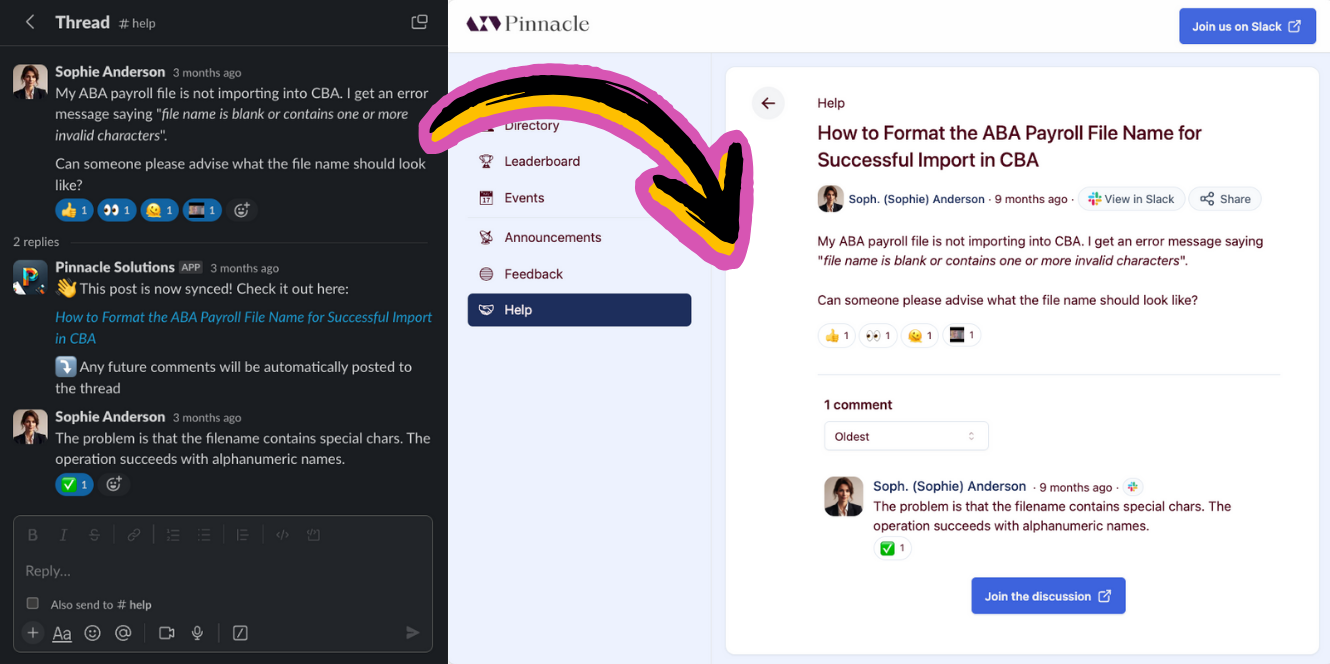 The benefits of having a community site include:
* SEO boost for your brand
* Landing page which drives traffic to your Slack community
* Unlocking community knowledge to search engines
* Retain messages indefinitely
* Pages to share on social media
* Embeddable components
* Search (*alpha*)
*Coming Soon*:
* Portals with bi-directional activity sync between the site and the Slack workspace
## Access from the Slack App Home
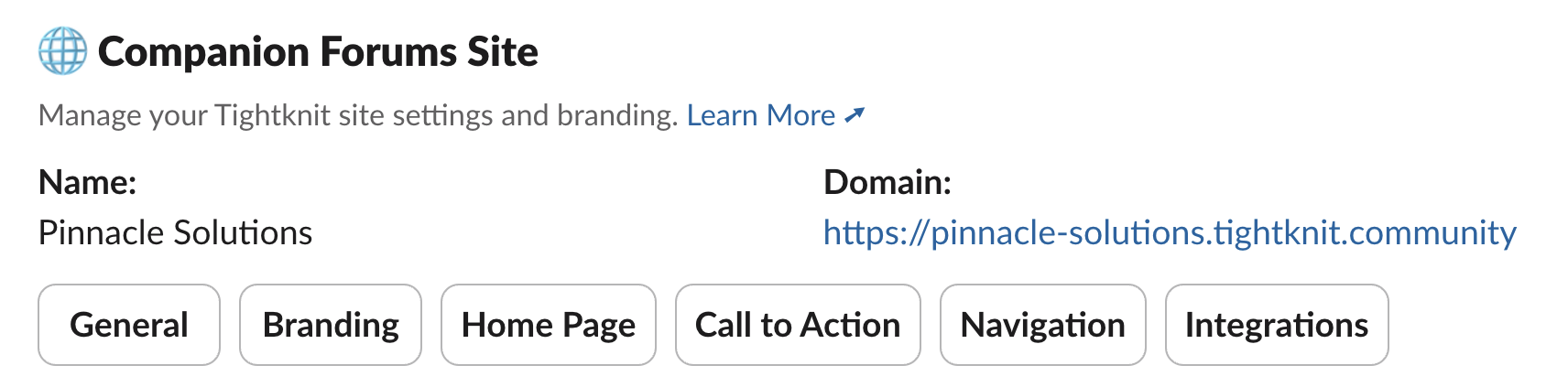
You can access settings related to the Community for under the **Community Site** section in the Tightknit App Home. If you have not created a community site yet, you can click the `+ Create Community Site` button to launch the guided setup flow.
The benefits of having a community site include:
* SEO boost for your brand
* Landing page which drives traffic to your Slack community
* Unlocking community knowledge to search engines
* Retain messages indefinitely
* Pages to share on social media
* Embeddable components
* Search (*alpha*)
*Coming Soon*:
* Portals with bi-directional activity sync between the site and the Slack workspace
## Access from the Slack App Home
You can access settings related to the Community for under the **Community Site** section in the Tightknit App Home. If you have not created a community site yet, you can click the `+ Create Community Site` button to launch the guided setup flow.
 ## Related topics
- [Getting Started](/tags/getting-started.md)
## Related topics
- [Getting Started](/tags/getting-started.md)