> ## Documentation Index
> Fetch the complete documentation index at: https://docs.tightknit.ai/llms.txt
> Use this file to discover all available pages before exploring further.
# Domain and URL
> Change your community site subdomain or set up a custom domain such as community.your-domain.com.
Your community site is reachable at a Tightknit subdomain by default, and can be moved to a domain you own.
Both settings live at **[Site > Domain & URL](https://studio.tightknit.ai/-/website/domain)** in Studio.
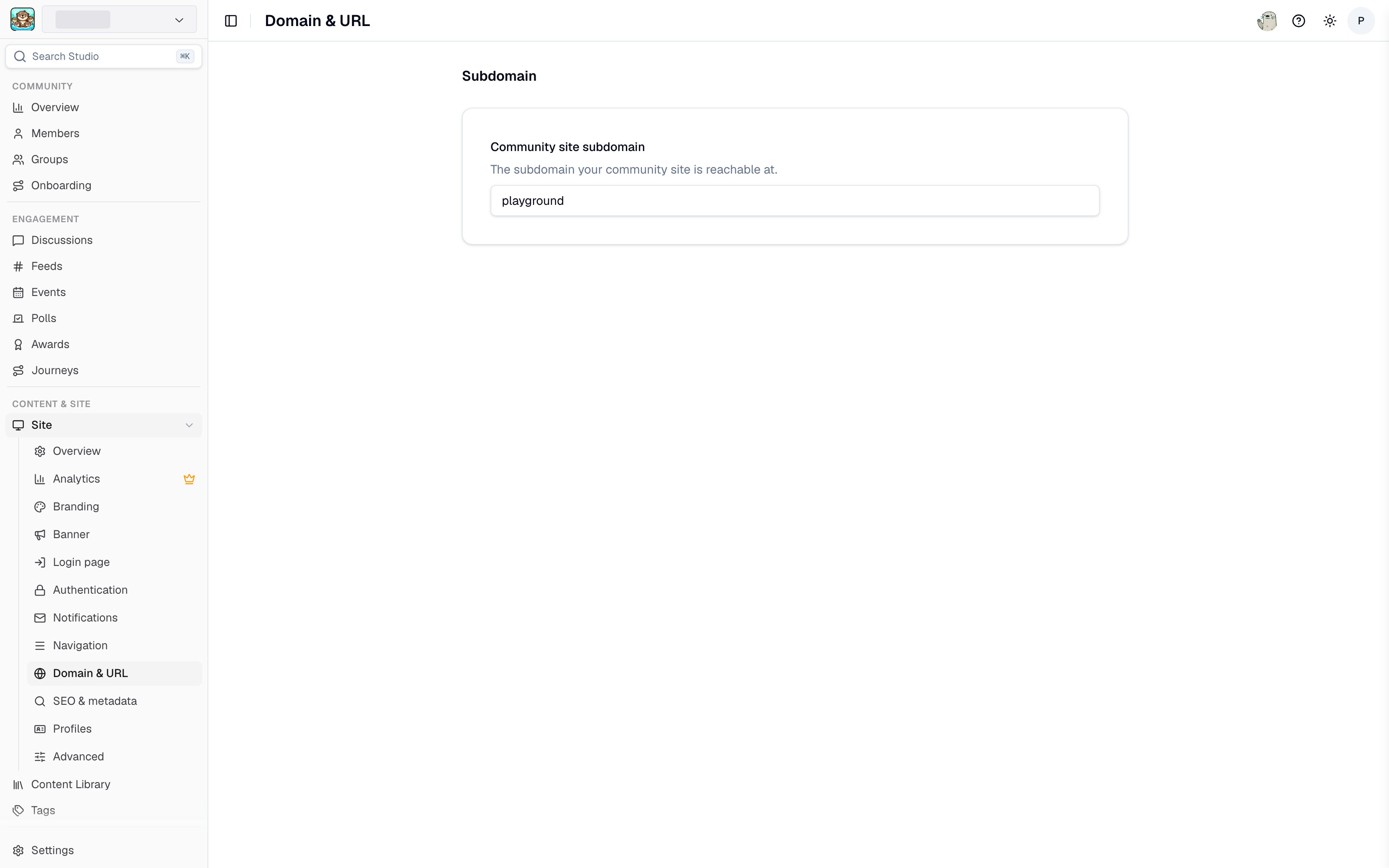 ## Subdomain
Your **community site subdomain** determines your default URL: `your-subdomain.tightknit.community`. Edit it in Studio and it saves automatically.
If you are not on a custom domain, changing the subdomain changes the URL of **every page on your site**. Links you have already shared will break, and search engines will need to re-index the new URLs. Change it early, or not at all.
## Custom domain
A custom domain hosts your community site on a domain you own, for example `community.your-domain.com`.
A custom domain is worth setting up for three reasons:
* **Brand continuity.** Members stay on your domain rather than being sent to a third-party URL.
* **SEO.** Search authority accrues to your own domain instead of `tightknit.community`.
* **[Site analytics](/community-site/analytics).** Traffic analytics are only available on custom domains.
Custom domains are configured by Tightknit. [Contact support](/support/contact) to set one up or to change an existing one. Once configured, your current custom domain is shown on the Domain & URL page.
When a custom domain is active, the subdomain is no longer used for your site's public URLs.
## Custom email domain
A custom **email** domain is a separate setting from your site domain. It controls the address that notification and sign-in emails are sent from. See [Custom email domain](/community-site/notifications#custom-email-domain) and the [DNS setup guide](/guides/custom-email-domain).
## Related pages
* **[SEO and metadata](/community-site/seo-metadata)** - search engine discoverability.
* **[Authentication](/community-site/authentication)** - who can reach your site.
* **[Launch your site](/guides/launch-your-site)** - the full launch checklist.
## Related topics
- [SEO and Metadata](/community-site/seo-metadata.md)
- [Community Site Analytics](/community-site/analytics.md)
- [Site Overview Settings](/community-site/general.md)
- [Tightknit Studio](/studio/overview.md)
- [Overview](/community-site/overview.md)
## Subdomain
Your **community site subdomain** determines your default URL: `your-subdomain.tightknit.community`. Edit it in Studio and it saves automatically.
If you are not on a custom domain, changing the subdomain changes the URL of **every page on your site**. Links you have already shared will break, and search engines will need to re-index the new URLs. Change it early, or not at all.
## Custom domain
A custom domain hosts your community site on a domain you own, for example `community.your-domain.com`.
A custom domain is worth setting up for three reasons:
* **Brand continuity.** Members stay on your domain rather than being sent to a third-party URL.
* **SEO.** Search authority accrues to your own domain instead of `tightknit.community`.
* **[Site analytics](/community-site/analytics).** Traffic analytics are only available on custom domains.
Custom domains are configured by Tightknit. [Contact support](/support/contact) to set one up or to change an existing one. Once configured, your current custom domain is shown on the Domain & URL page.
When a custom domain is active, the subdomain is no longer used for your site's public URLs.
## Custom email domain
A custom **email** domain is a separate setting from your site domain. It controls the address that notification and sign-in emails are sent from. See [Custom email domain](/community-site/notifications#custom-email-domain) and the [DNS setup guide](/guides/custom-email-domain).
## Related pages
* **[SEO and metadata](/community-site/seo-metadata)** - search engine discoverability.
* **[Authentication](/community-site/authentication)** - who can reach your site.
* **[Launch your site](/guides/launch-your-site)** - the full launch checklist.
## Related topics
- [SEO and Metadata](/community-site/seo-metadata.md)
- [Community Site Analytics](/community-site/analytics.md)
- [Site Overview Settings](/community-site/general.md)
- [Tightknit Studio](/studio/overview.md)
- [Overview](/community-site/overview.md)